

-31%
Sale!


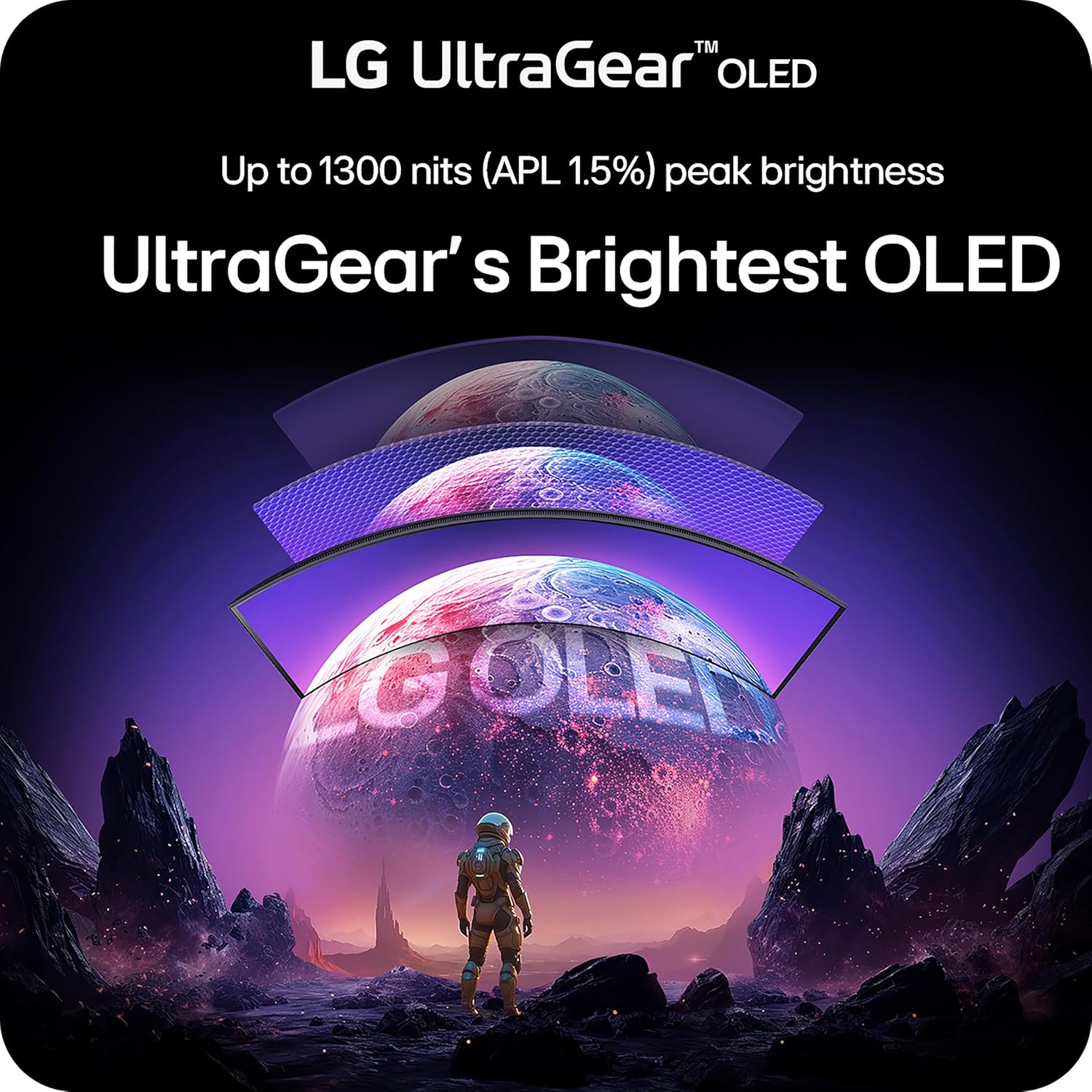
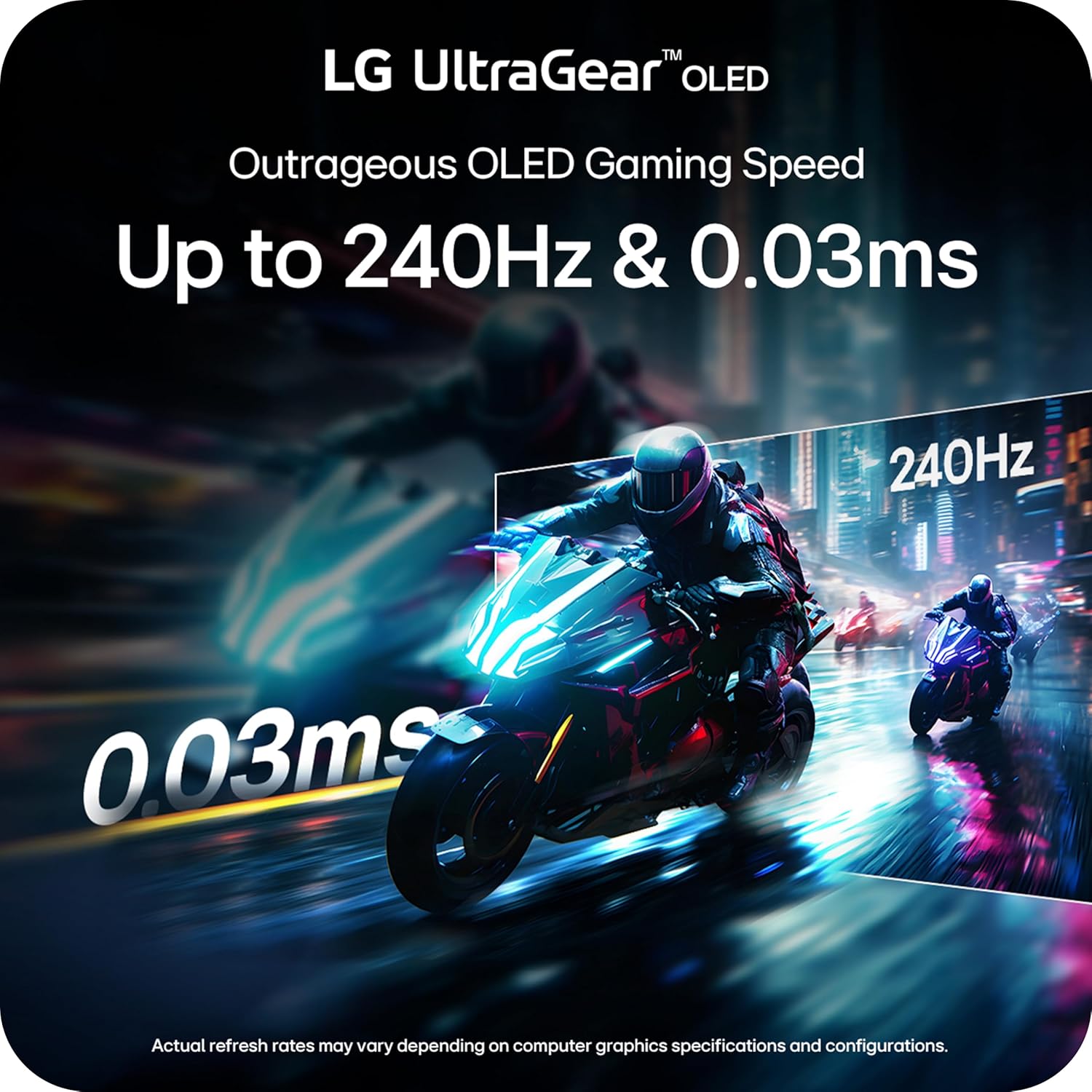


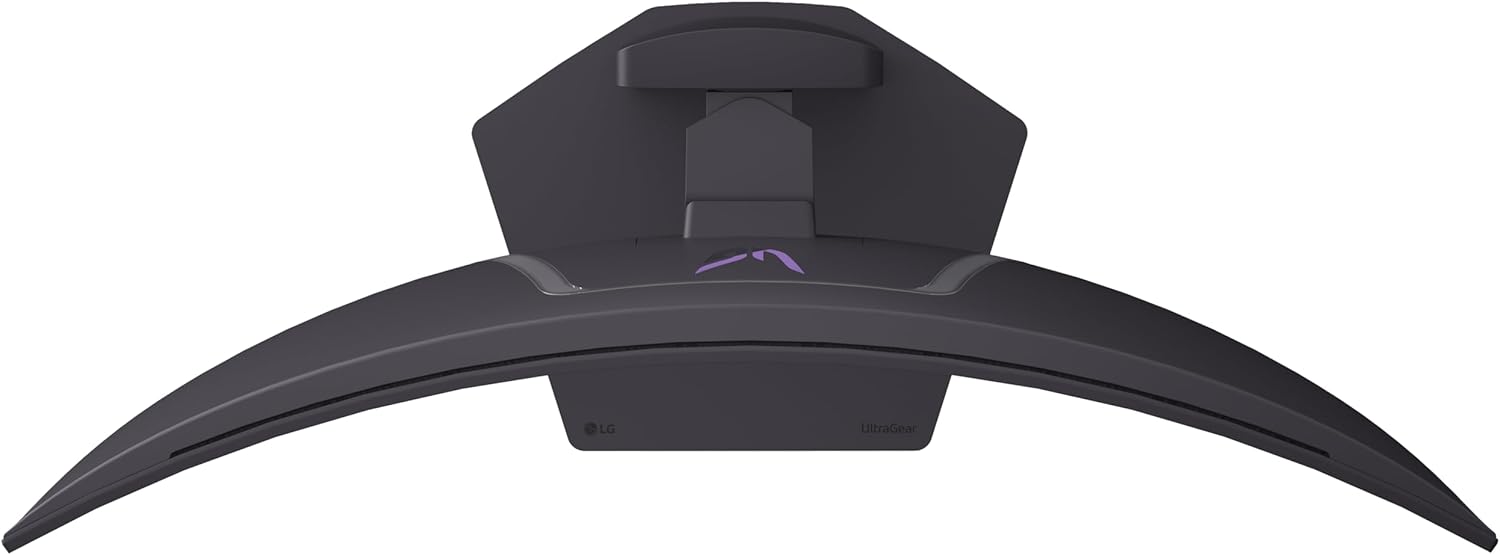
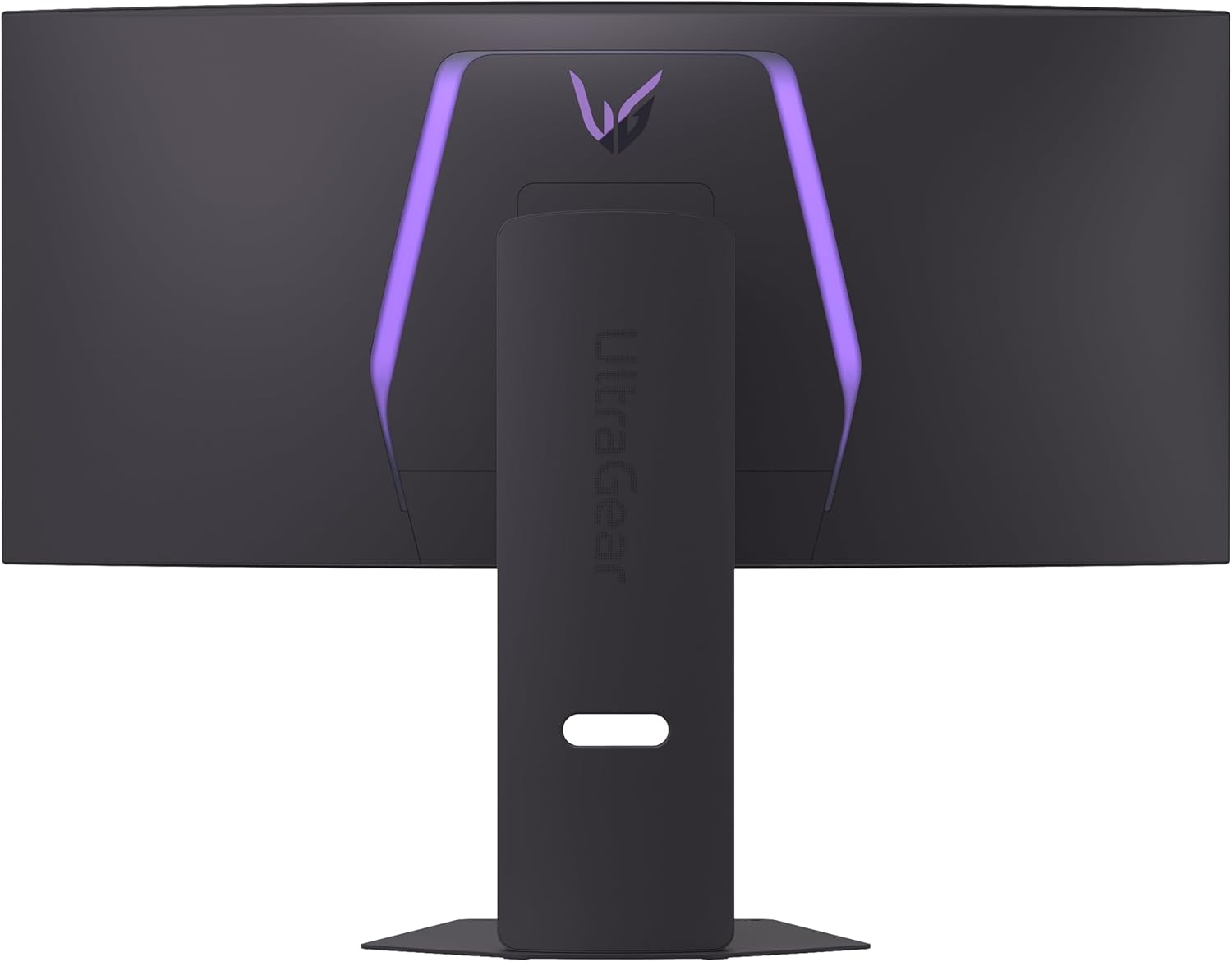


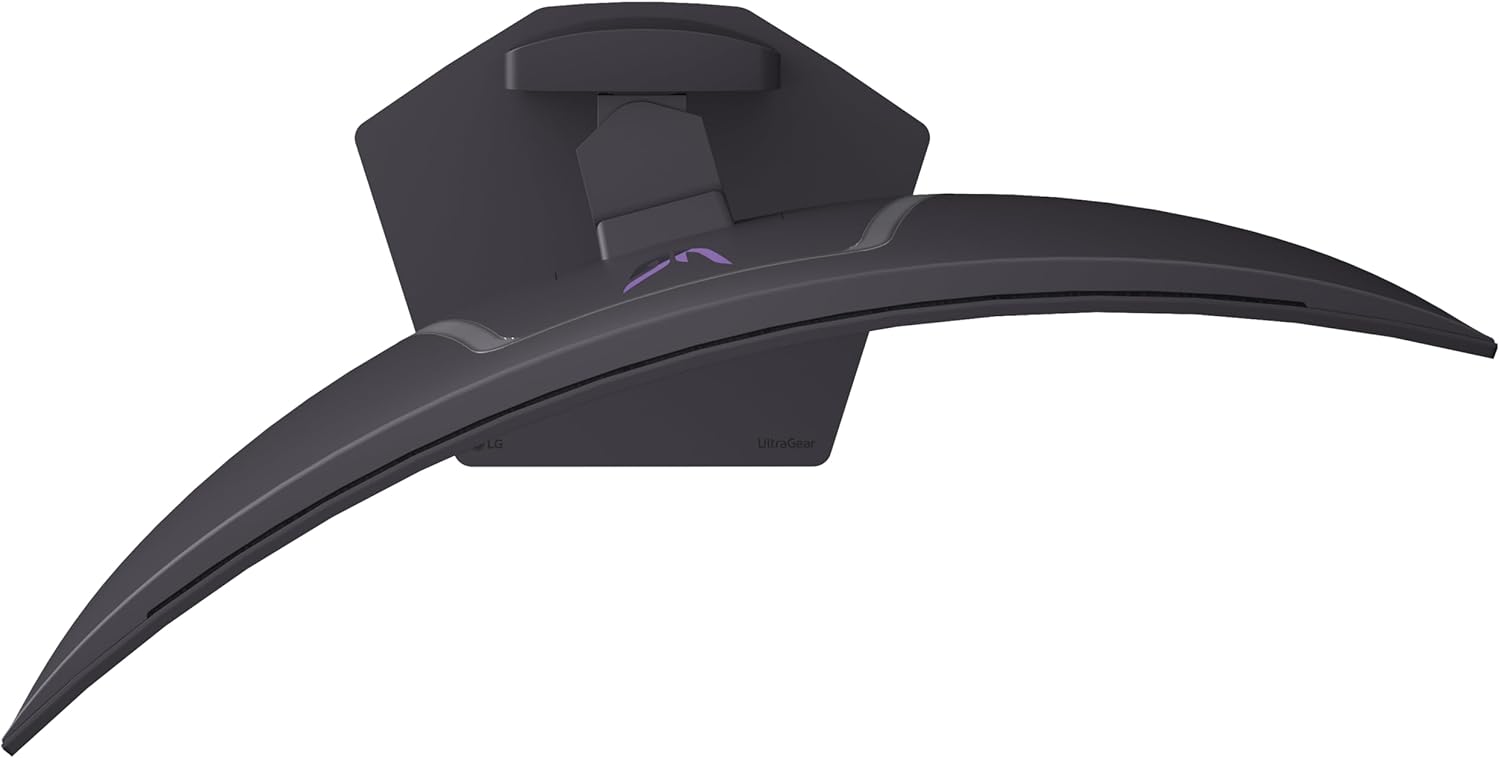
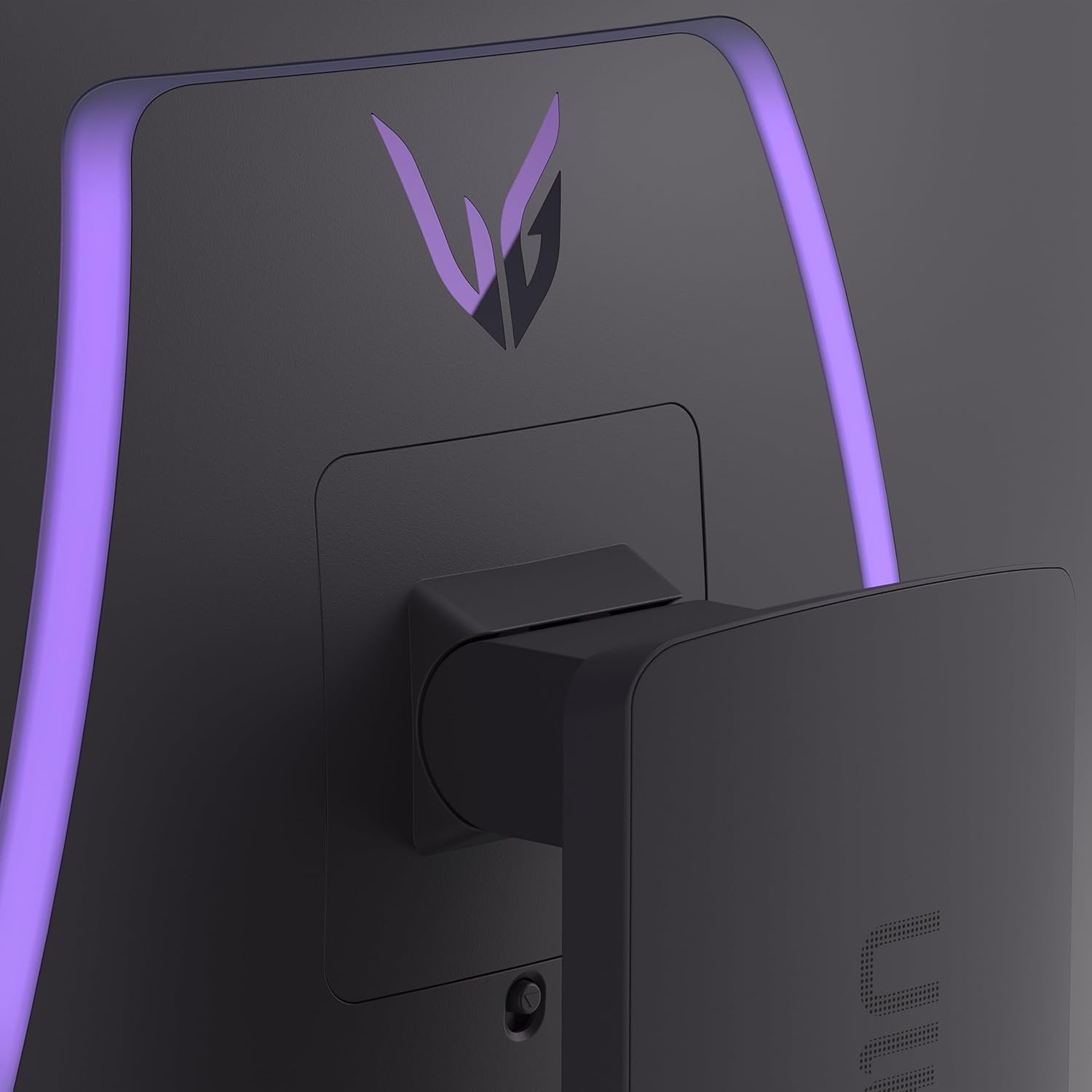

Experience lightning-quick speed with up to a 240Hz refresh rate¹ and 0.03ms response time on a huge 34 Inch WQHD curved OLED monitor. The steep 800R curve surrounds you in the action. And with the 240Hz refresh rate, and 0.03ms response time, the action is fast, the play seamless and precise. Dive into UltraGear OLED’s immaculate visuals with up to 98.5% of DCI-P3 color coverage and a 1,500,000:1 contrast ratio for stunning blacks and vibrant colors. Adaptive sync technologies FreeSync Premium Pro and NVIDIA G-SYNC compatibility ensure tear-free, stutter-free performance, whether you’re on PC or next-gen consoles. Plus, the UltraGear’s 2-year OLED limited warranty and OLED Care features give you peace of mind, keeping your UltraGear monitor in top shape. Designed for gamers, the virtually borderless design complements any gaming setup, with height, tilt, and swivel adjustments for optimal comfort. The RBG backlighting creates the mood that’ll upgrade any battlestation. ¹Graphics card that supports DisplayPort 1.4 or HDMI 2.1 are required to achieve up to 240Hz refresh rate support. Graphics card sold separately.
²Software installation required. Visit Support on LG.com to download.
The 240Hz OLED Gaming Monitor that’s Ahead of the (800R) Curve – The 34” WQHD OLED with a steep 800R curve and up to 1300 nits (APL 1.5%) peak brightness pulls you deep into the action, while a 240Hz refresh rate and 0.03ms response time keep gameplay insanely fast and smooth.
Up to 240Hz & 0.03ms – Outrageous OLED Gaming Speed – Game at the speed of OLED with an ultra-fast 240Hz and near instantaneous 0.03ms (GtG) response time. The faster speed lets you respond quickly to opponents and enjoy smoother scenes with less lag or ghosting.
Ultimate Frame Sync: FreeSync Premium Pro & G-SYNC Compatible – Say goodbye to screen tearing and stutter. With AMD FreeSync Premium Pro and NVIDIA G-SYNC compatibility, this OLED monitor delivers ultra-smooth, tear-free visuals, giving you perfect frame sync across PC and next-gen console gaming.
Bright Picture. Deep Blacks, Brilliant Detail: OLED Gaming FTW – Get lost in vivid visuals with OLED technology, delivering exceptional brightness, up to 98.5% of DCI-P3 color coverage, a 1.5M:1 contrast ratio, and DisplayHDR True Black 400. Every gaming scene pops with deep blacks, brilliant highlights, and cinematic color.
The 800R Curve: Surround Yourself in the Action – See and feel the action all around you with the dramatic 800R curve. This steep curvature extends your periphery, pulling you deeper into the game and making the action more intense.
Low Glare, More Focus: Play Without Distractions – UL-verified “Flicker-free Display”, “Discomfort Glare Free” and “Low Blue Light Hardware Solution Platinum”, this OLED display keeps your view crisp and colors bold. With advanced anti-glare tech minimizing reflections, you get distraction-free clarity—so you can stay focused and dominate in any lighting.
Unlock Your Potential with Advanced Gaming Features – Dynamic Action Sync reduces input lag for real-time response. Black Stabilizer brightens dark scenes to see what’s hidden. FPS Counter shows your real-time frame rate. Crosshair enhances precision for deadly accuracy.
OLED Protection: 2-Year Limited Warranty & Panel Care Tools – Rest easy knowing your OLED monitor is built to last. The 2-year limited warranty covers key components, including the OLED panel. And OLED Care tools such as pixel cleaning keep your display sharp, for reliable top-tier performance. Please see Warranty Information on this page for all warranty details.
Serious Connectivity for Serious Gamers – For next gen console gaming or PC gaming, with HDMI 2.1, DisplayPort 1.4 and USB Type-C (65W power delivery), UltraGear’s versatile connectivity enables high-resolution graphics, and fast, fluid gaming.
Customize Your Screen View with the Switch App – The Switch app transforms your screen into a multitasking hub for work and gaming. Effortlessly split the screen into up to 6 sections, customize display layouts, or launch video calls with a single hotkey.
 Overview
J. L. –
Great, on sale
The LG monitor feels like it should. A top-tier gaming monitor that excels in performance and visuals. Its has stunning picture quality with perfect blacks and vibrant colors. The 800R curve provides a deeply immersive gaming experience, wrapping the action around your field of view. It feels like your in the Game! The 240Hz refresh rate and a 0.03ms response time, gameplay is incredibly smooth and responsive.Beyond its visual prowess, the monitor is thoughtfully designed for practicality. Setup is straightforward, thanks to a one-click stand and an easy-to-use OSD joystick. While the price point is on the higher end, it’s a worthwhile investment for serious gamers, and I really like the 2-year warranty that covers the OLED panel for burn-in. T
Fahad Arfin –
You will not regret!!!
This is an amazing monitor. Seriously. Upgraded from a hp27q which also is a great 1440 165hz ips display. But the hdr, the contrast , the pure blacks, the amazing responsive of the oleds. Its just beutiful. One gripe woth this monitor is that it has vrr flicker, which means brightness fluctuates when u have variable refresh rate enabled (freesync/gsync). I recommend turning it off in the osd, and run it locked at the sweeeeet 280hz. Hdr also amazing , but normal sdr just as good. This screen has a matte coating so it doesnt reflect lighting to you like glossy screens would. This matte coating is different, it looks quite glossy, like a mix, seriosly the coating is something i havent even considered. Its perfect coating from lg, if u have any extra light in ur room, get this monitor. I wish the hexagon lighting back of the panel could be dynamic and mimic what’s going on the monitor but it is what it is. The back lighting honestly helps brighten the desk just enough that I dont have to use a external monitor light. I would wait for this monitor on sale around 500 usd or under to buy this.
Cthulhu –
Lasted 3 Days
I received this monitor Tuesday afternoon. It’s now Friday night, and I’ve made it through a single game (Amnesia: The Bunker). While it worked, the monitor looked amazing. Deep blacks and vibrant colors made The Bunker an absolute joy to play. While not the huge step up from my mini-led that I thought it would be, it was very nice, and I was planning on keeping it.Everything seemed to be functioning fine just a moment ago, but I returned from dinner to find several very prominent lines across the center of the screen. It almost looks like scratches or drag marks, but the screen and the coating itself are in perfect shape. Never had an issue like this before. First LG monitor, and it may be the last. Or I might be waiting until the 2nd or 3rd gen of tandems to hop in, when they’ve ironed out some of the bugs.
Joshua Techman –
Fantastic Gaming Monitor! Very Meh Working/Productivity Monitor)- Expensive, but you already know that, and the market is what it is (I bought on Prime days 10-13-24 for ate twen tea forr)- Stand could have better viewing angles (I’d prefer to have this on a stand and be able to tilt it downward more, but I could buy an adjustable arm to put it on)- Some people may want it to include a KVM, but I’m fine without since it’s just for my gaming rig- One button on bottom back of monitor a bit awkward to use (wish it had a remote!)- Annoying things that are just part of having an OLED monitor like having to let it run through it’s 2 hour “OLED Image Cleaning” cycle, having to use more aggressive screensaver/sleep/shutdown settings to prevent burn-in, etc.- Lack of Dolby Vision that all LG OLED TVs come with (that would be nice for some games!)- Anti-glare coating is liked by some, but it does rob you of some of OLED’s image quality lifting blacks a bit (Unfortunately, if you go with an LG OLED TV it’ll have the beautiful glossy screen, higher 4K resolution , much taller depending on size, and no curve to help view the edges and make a much more immersive experience!)
Pros- Large size- Top notch image quality and colors of OLED making it suitable to some design/editing work! (Comes with calibration software too!) (Just don’t expect text to be clear at this size/resolution/subpixel structure)- 240Hz refresh rate is fast enough to stay relevant gaming for several years to come- Crazy low response time/input lag- Aggressive curve let’s your eyes see to all 4 corners easier (A must for most people at these sizes)- Size and curve gives excellent immersion while gaming!- USB ports are nice- Thin bezels and sexy design- Nice adjustable stand allows for good viewing angles- Since it’s LG (King of WOLED panels), I trust it not to get burn-in anytime soon- Plenty of input ports- Resolution good enough for some general use (especially if you’re coming from 1080p or 1920×1200)- Well-packaged and protected (I was so scared of it coming damaged, and the box certainly was, but it was in perfect condition)- Comes with high quality cables (nVidia)- Anti-glare coating reduces glare..ishCons (I knew all these going in and didn’t have any surprises)- Resolution (3440×1440) is not something to write home about and keeps things kind of insultingly big when scaled at 100% especially if you’re used to 4k. Wish it were at least 5120×1440 for daily usability/work, but less pixels is easier for my laptop 3080 GPU to push higher quality game visuals and that’s what I really got this for- WOLED subpixel structure and the resolution means that text clarity is just Ok (With Microsoft ClearType) (but terrible for text design and extensive text usage
Vitalii –
I am very pleased with the monitor
The perfect monitor for gaming and all other tasks.Perfect color reproduction, fast display, true blacks, and amazing viewing angles!Everything works perfectly out of the box, but there are a ton of customizable settings if you want.Compared to my previous Dell Alienware AW3418DW, this is a completely different experience.I recommend it, and the price is very good.
Ry –
Best monitor I’ve seen or used
This is the best monitor I’ve seen or used. The pros are everything you would see on a YouTube review, so no surprises there. It lives up to the hype. The only con is that the OSD (on screen display) menu is a little too chatty. If I charge a phone with USB-C it asks if I want to clone the display every time. When you turn it on, you basically have to wait for a boot sequence. The picture was annoying to configure with perhaps too many options in the OSD, but after some tuning it looks absolutely stunning. It is perfect for the desktop or gaming. It’s the best of breed as of 2025.
Maxime C. –
Passant d’un 32 pouce QHD à ce moniteur 39 pouces, la hauteur étant la même, la résolution relativement identique sur la hauteur aussi, je ne vois pas une si grosse différence au niveau du DPI tel que plusieurs l’on mentionné. La technologie OLED semble avoir une tendance à rendre les caractères d’écriture un peu moins précis, mais cela ne me dérange nullement, ce moniteur me sert à 80% pour le gaming. Coté gaming, tout est parfait, noir profond, latence très basse en mode gamer 1 et 2, rafraichissement de 244hz, courbure très prononcé, je suis un fan, je l’adore, mais surtout, le gros avantage, c’est qu’il ne tire qu’environs 30% de plus de jus à ma carte graphique que mon moniteur 32 pouces traditionnel ce qui est très raisonnable pour une immersion totale. Le 4k serait idéal mais pour cela, il faut une carte graphique vraiment à la hauteur, et jouer en 2K sur un écran 4K, c’est tout de même assez décevant. Je recommande donc ce moniteur natif en 2K, pour ceux à la recherche d’un moniteur de plus de 34 pouces et qui n’est pas 4K, mais je crois tout de même que nous sommes à la limite pour un QHD, le 45 pouces doit être plus décevant en terme de DPI.
Vladyslav –
I really love this monitor, after using Samsung Odyssey G5 32″. I don’t see any artefacts on screen, like ghosting or else. Colours on OLED screen looking bright and saturated. It’s also a Ultra Wide type of the monitor, so it’s feels really immersive while playing a games. The stand for this monitor allows you to adjust the height and angle for your needs.
Soso –
Got a dead pixel after 20 days
Ionut Danila –
The LG UltraGear 34″ Curved OLED Gaming Monitor is an absolute beast — a true game-changer for any serious gamer or content creator. First off, the OLED panel delivers stunning visuals. The colors are incredibly vibrant, blacks are deep and rich, and the contrast is simply unbeatable. Combined with the curved 34-inch ultra-wide screen, the immersion is next-level — whether you’re playing fast-paced shooters or diving into cinematic RPGs. I recommend it! The best for gaming.
Yazan –
This monitor is perfect the size is just right, and the build quality is excellent. Setup was easy.As for the display itself, I’ve never used a QD-OLED before, but this WOLED panel is fantastic. I have zero complaints. The colors are vibrant, and the brightness is much better than I expected. I mainly play in a dark room, the monitor nearly blinded me on HDR lol, but even in a well lit room, It’s still bright.Funny story when I first turned it on, I thought it wasn’t working. I was sure it was plugged in why isn’t it turning on!! until I realized my desktop wallpaper was a black screen.. I only noticed it when I saw the mouse cursor moving on the screen. at that moment I realized that I couldn’t be happier with this monitor!on a side note tho, get a monitor stand or something if u are planning to use other monitors with it, 800R Curve is crazy so it’ll cover the other monitors if they were all close