
-88%
Sale!


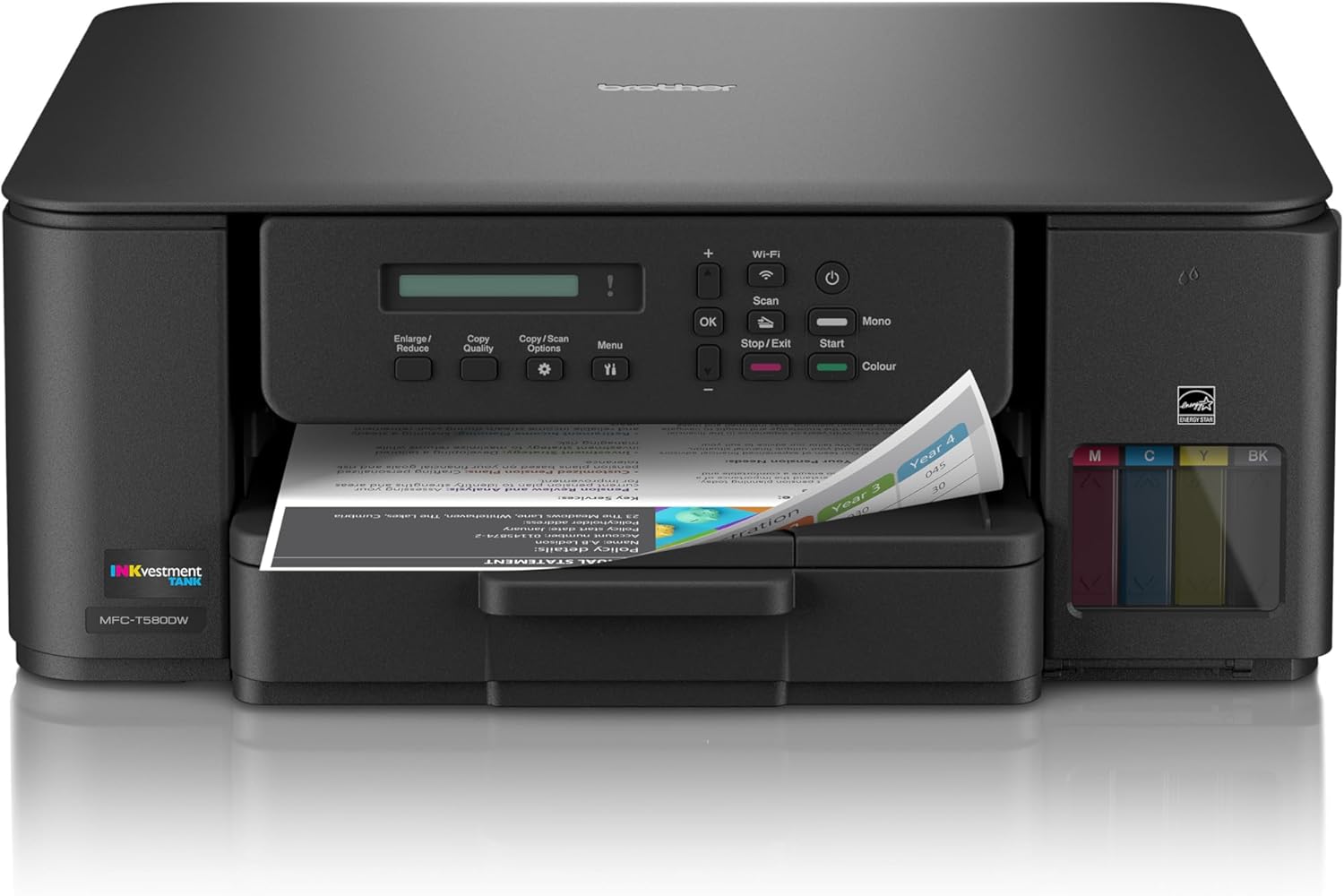
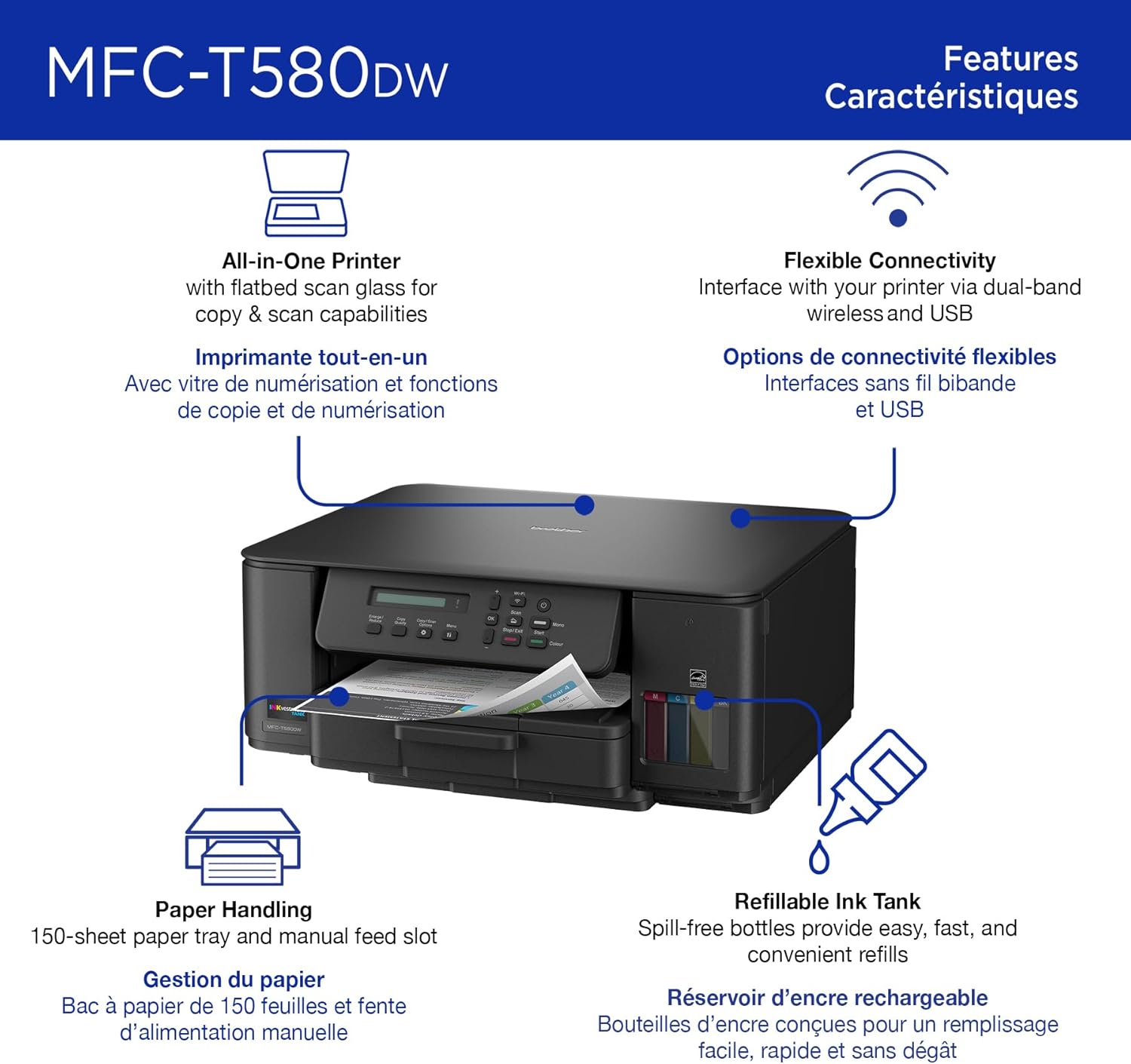
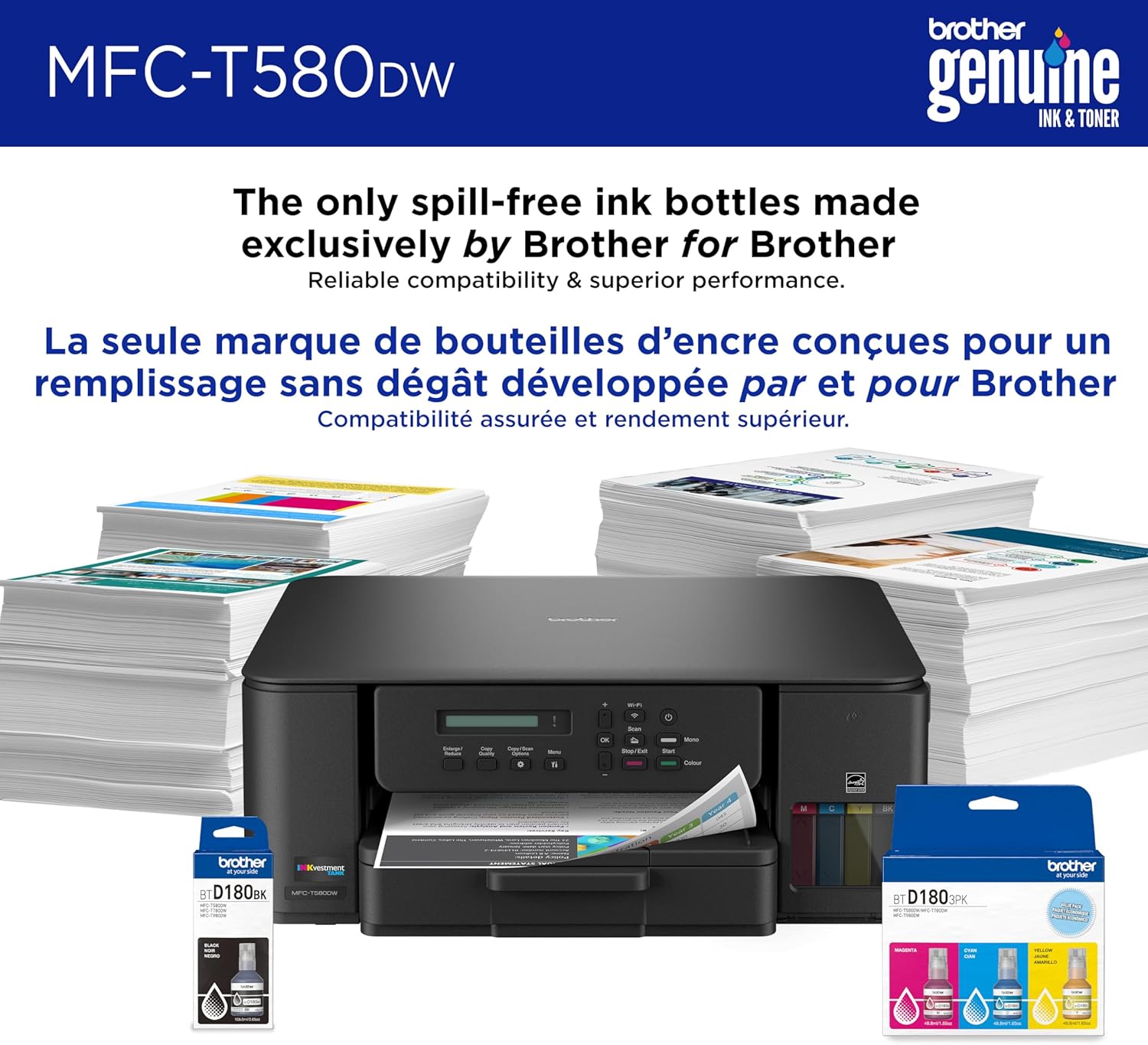
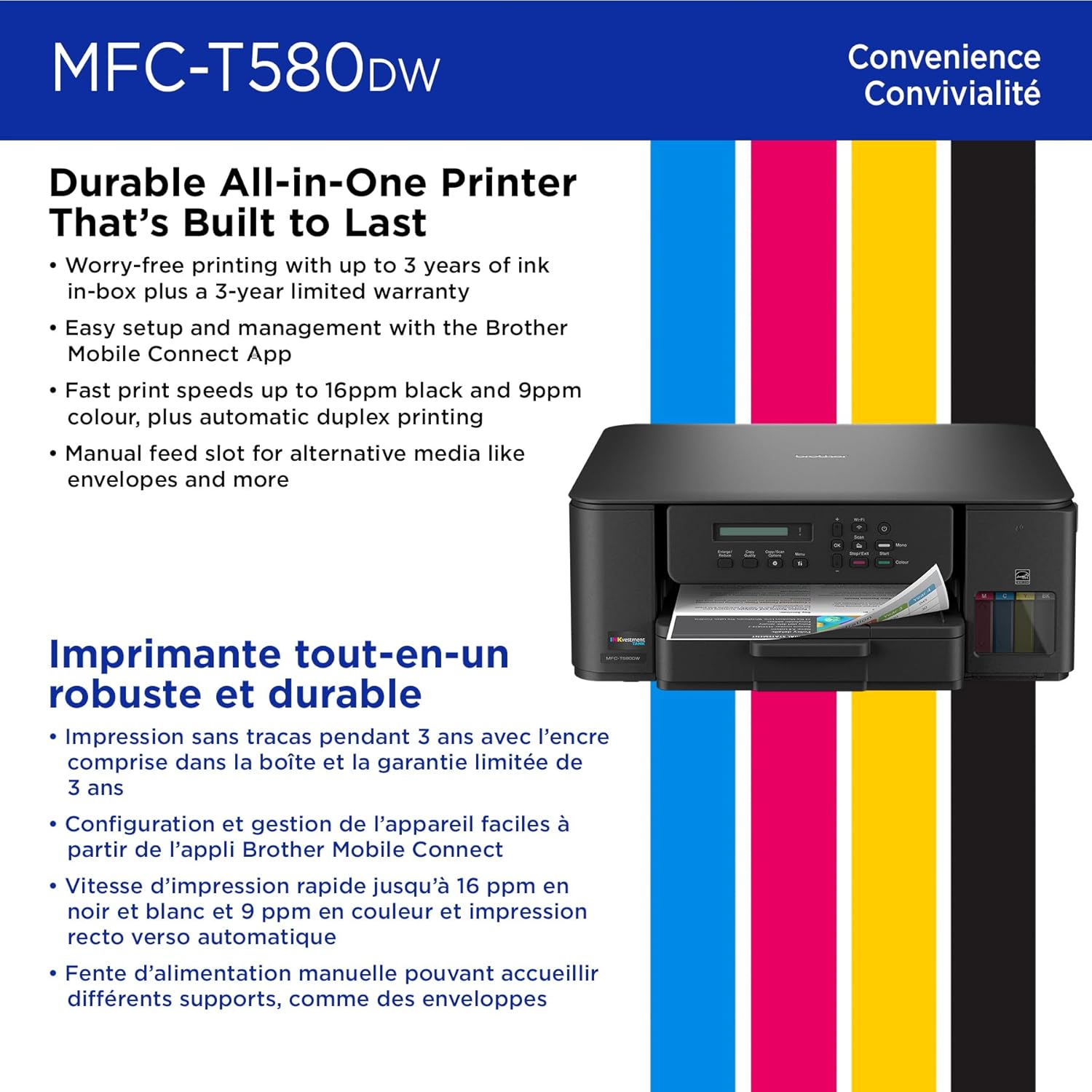
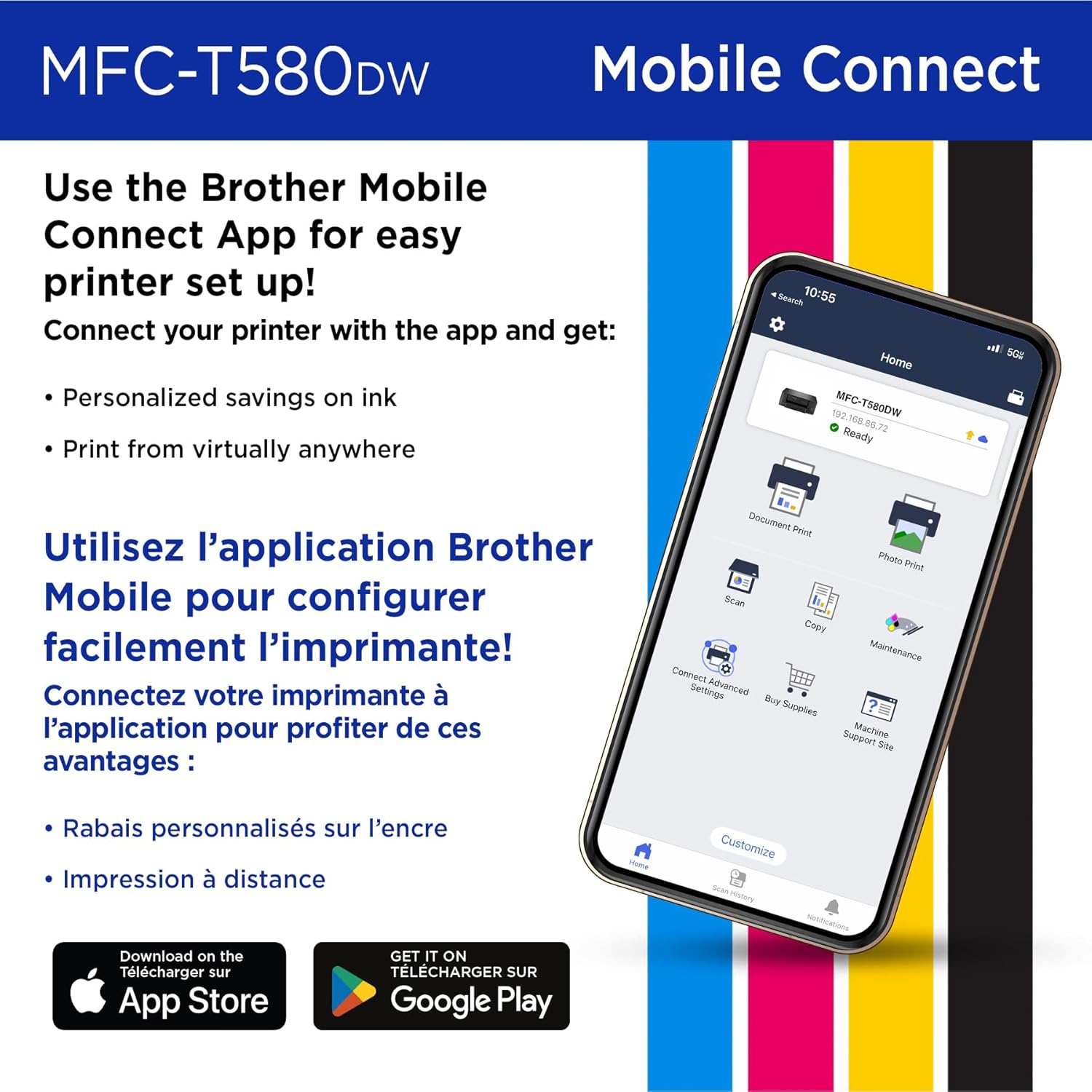
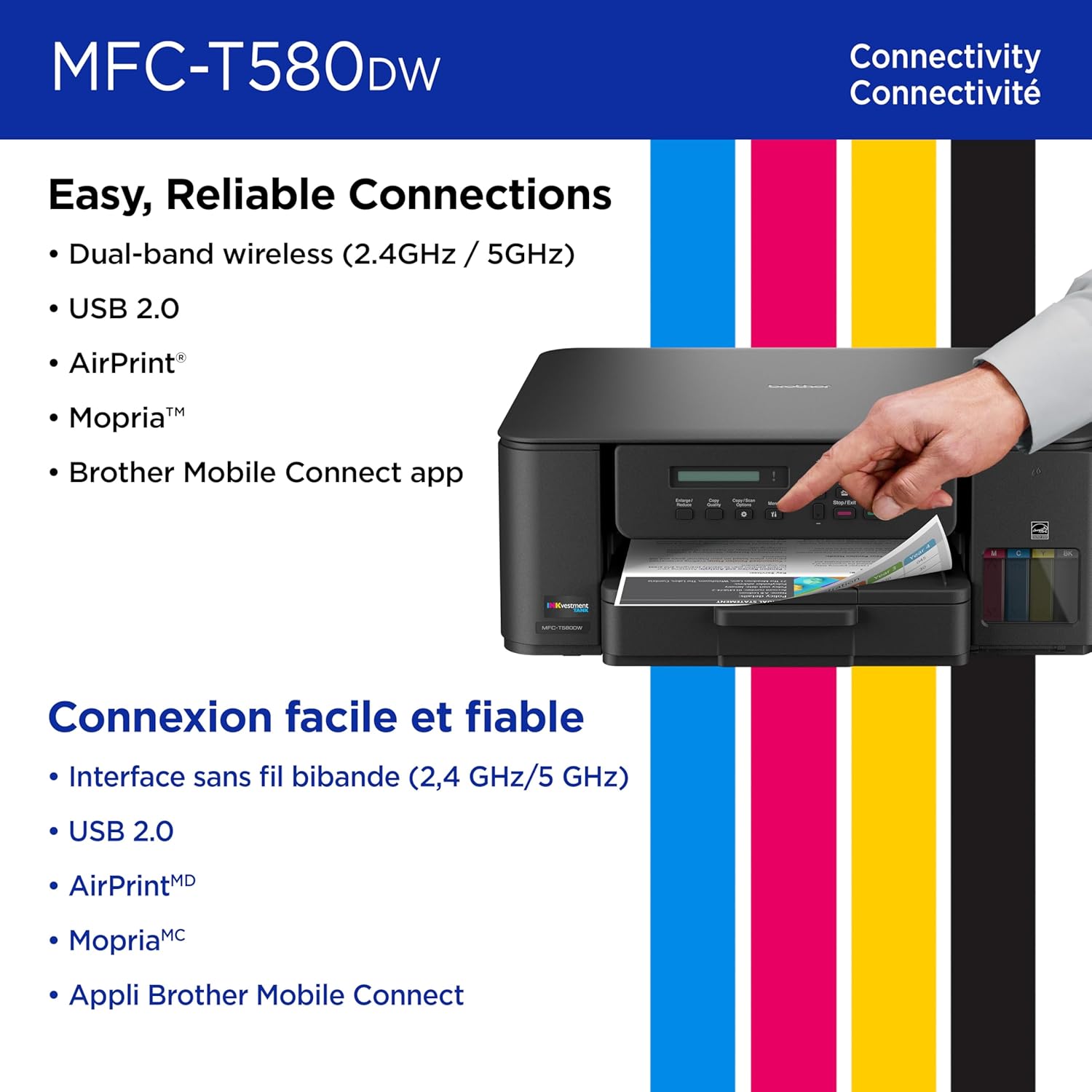
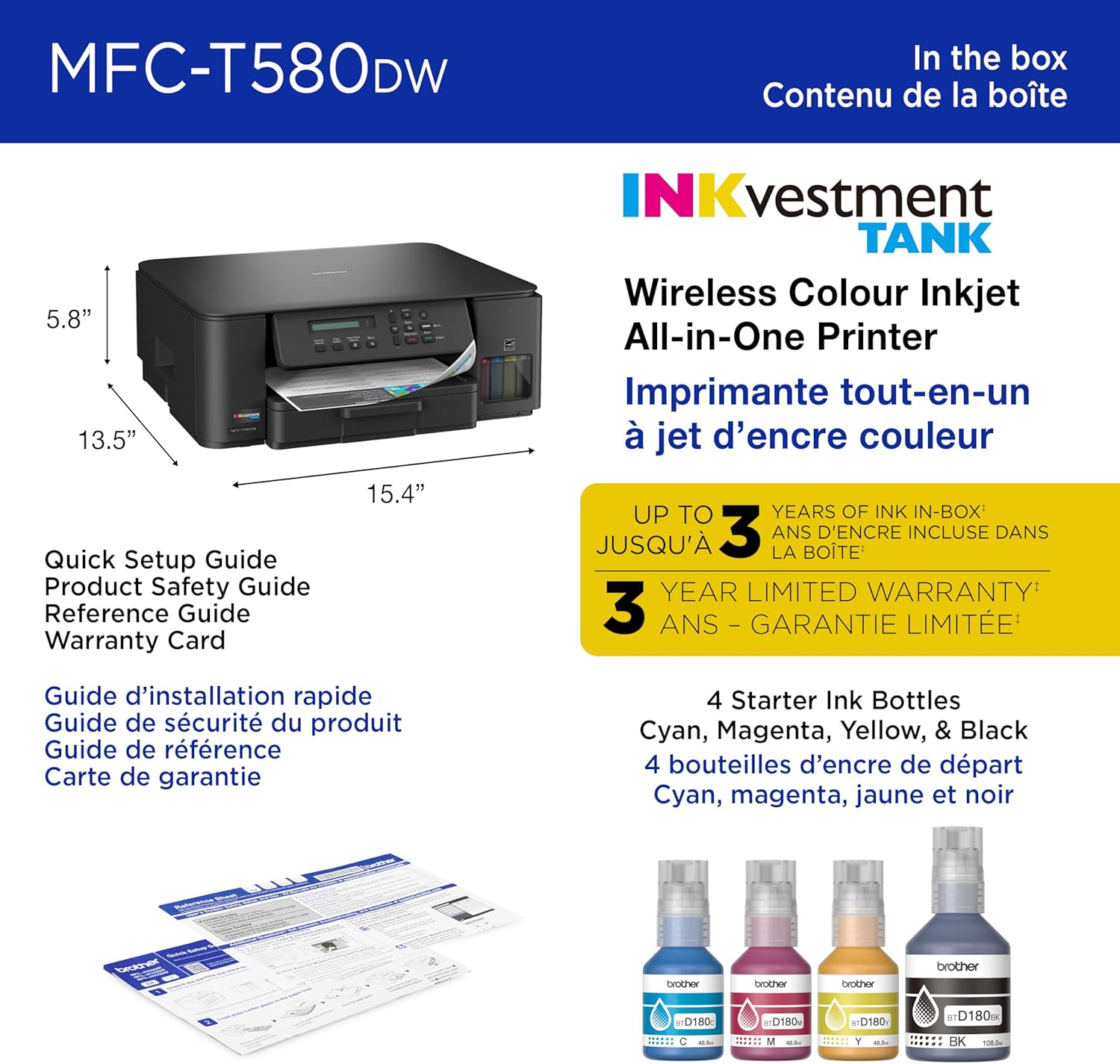
For durability that’s built to last and exceptional value, the INKvestment Tank MFC-T580DW Wireless Color Inkjet All-in-One Printer with Duplex Printing includes a 3-year limited warranty(2), making it a smart choice for your home or home office. With up to three years of ink bottles included in the box(1), you can print all your personal, specialized, small office, and business documents freely, without worrying about running out of ink. Plus, you’ll do your part to reduce cartridge waste in landfills. Innovative ink tank technology provides a simple and convenient solution with fast refill speeds and a spill-free design, plus keys that help you avoid inserting them into the incorrect color slot. With robust features, this printer includes an easy-to-load 150-sheet paper tray(4), 1-sheet manual feed slot, wireless connectivity, flatbed scanner/copier capabilities, and the ability to print from virtually anywhere with the Brother Mobile Connect app(3). Produce beautiful prints in vibrant color and bold blacks at fast print speeds with BTD180 Brother Genuine Ink bottles – the only brand we recommend for your Brother printer. Disclaimers: (1) Based on average monthly print volumes of 125 pages at 60% black pages and 40% color pages. (2) Maximum total warranty coverage is 3 years. (3) Free Brother Mobile Connect App download, wireless connection and connection of an eligible printer with Brother are required. Compatibility may vary by device, operating system and country. (4) Maximum Capacity based on using 20lb. paper. (5) Based on ISO/IEC 24734 (after first set of ISO test pages). For inkjet print speed methodology, please visit www.brother-usa.com/printspeed.
INNOVATIVE REFILLABLE INK TANK TECHNOLOGY: Brother Genuine no-spill bottles quickly refill the tank in 30 seconds for color, 65 seconds for black. The design prevents inserting the incorrect bottles for each color. Includes up to 3 years of ink in-box(1).
BEST FOR HOME AND HOME OFFICE: Get all your work done with a durable all-in-one multifunction printer. Print, copy, and scan on one convenient, compact printer. Brother inkjet printers produce beautiful, vibrant color prints you can be proud of.
RELIABLE AND EASY TO USE: A 1-line LCD on your printer provides uncomplicated, to-the-point messaging and operation. Includes a 3-year limited warranty(2) and Brother customer service.
WIRELESS AND USB CONNECTIONS: Connect your way. Interface with your printer on your wireless network or via USB.
THE BROTHER MOBILE CONNECT APP: Put the power of printing at your fingertips. Go mobile with the Brother Mobile Connect app(3) that delivers easy onscreen menu navigation for printing, copying, scanning, and device management from your mobile device.
PRODUCTIVITY-FOCUSED FEATURES: This printer features automatic duplex (2-sided) printing and a 150-sheet paper tray(4) with an easy-load design that makes paper refills simple. Print at fast speeds of up to 16 pages per minute (ppm) black/9 ppm color(5).
CHOOSE BROTHER GENUINE INK: Reliable performance you can count on. Brother Genuine Ink is quality-tested to work seamlessly with your Brother printer. Choose Brother Genuine BTD180 Ink bottles, the only brand we recommend for use with your printer.
 Overview
Wanderlust –
Finally — a Printer That Actually Saves Ink and Sanity!
I’ve gone through my fair share of printers over the years, and this Brother INKvestment Tank 580 is by far the best one yet. Setup was surprisingly easy — it connected to my Wi-Fi in minutes, and the instructions were clear and straightforward (a rare thing with printers!).The print quality is excellent for both text and color documents. Photos come out crisp with vibrant colors, and text looks professional — perfect for home office use, school projects, or light business printing. The real winner, though, is the ink system. Brother includes up to three years’ worth of ink right in the box, and the refillable tanks make it incredibly cost-effective. No more running out of ink halfway through a print job or spending a fortune on cartridges.I also love how quiet and compact it is compared to older models. Scanning and copying work smoothly, and the automatic document feeder saves a ton of time when dealing with multi-page documents. The Brother Mobile Connect app is a nice touch too — I can print directly from my phone or tablet without hassle.Between the 3-year limited warranty and the included ink supply, this printer really feels like a smart long-term investment. If you’re tired of unreliable printers that constantly need refills, this one’s a game-changer.✅ Pros:Easy wireless setupGreat print quality for documents and photosHuge ink savingsQuiet, reliable, and compact3-year warranty and ink included❌ Cons:Doesn’t have two-sided scanning (only single-pass), but not a dealbreakerOverall, this is the best home printer I’ve owned — efficient, economical, and stress-free.
gsxr –
All functions work well, including AirPrint. Patience and persistence needed to set up properly.
It took me about 3 hours overall to completely get this printer up and running, but when it was working properly, I’m happy with it.This works through my home WiFi, works with the app on my tablet, works with the Brother App/program for Windows 11 on my home PC, and it does work with AirPrint for my iOS devices.The instructions were very inadequate. It suggested I download the app and set it up that way. It is supposed to allow set up through the minimal LCD screen. The LCD screen is not backlit and hard to read in ambient light. I could find my home network on the LCD screen, and it would take my network password and connect, but repeatedly loses the connection and asks me to set up again. Eventually I had to download and use the app to set up on my tablet.The app immediately asked me for personal information and to create an account. It took me a few minutes to realize I could bypass that and eventually I got the printer set up on my tablet device. It made me create a very complex password to re-use this app this at home; not sure why this had to be so complex for a home printer for home use.Then it would not work on my PC. I had to download installation software, the drivers, and proprietary software to make it all work. It took the software between 30 and 60 minutes to run and install for my Windows 11 PC, after it was downloaded. This software was also not very intuitive. I bypassed the request for personal information again. It includes a link to the store to buy supplies, but no ink for refill is available there yet. Ink is available here on Amazon though, search for D180 ink.The ink comes in bottles and the ink tanks need to be manually filled. The first bottle leaked a little until I got the knack of filling the rest of the tanks. The ink is very permanent and doesn’t wash completely clean from my hands with soap and water or other solvents.Opening the paper tray the first time was a challenge. It seemed stuck and I was afraid I might break it. There is a white tab/catch on the bottom of the printer that apparently locks the tray in place and has to be rotated to unlock the tray. When I figured this out, the tray would open and close easily.Once it was working, it functions well. The printer is slow, but par for an inkjet. The colors are sharp. The scanner will scan up to 1200 dpi on my PC. The copier scans then prints. I am happy with all functions.
MT & Stephanie Amox –
Very user friendly.
I had just purchased an epson a couple of months ago and was so disappointed. I purchased this and it’s like night and day difference. Very easy instructions, very easy to fill the ink tanks. Very lightweight and more compact and the epson i had. I’m very happy I went back to Brother.
moomoo –
Fantastic printer, easy to setup, and WiFi printing actually works!
This printer is what you’d expect from the Brother brand — it’s extremely easy to setup and provides great quality prints. I was particularly happy with how quickly it connected to WiFi and was able to print from any computer on the network. Some of the other printers I’ve used in the past, like from Canon, have a terrible time trying to connect via WiFi. I always run into issues trying to print with those printers over a network, as they often aren’t easily found or mapped correctly. If you set it up through the on-screen display, just know it’s your typical slow button-pushing setup process. Time will tell just how well the ink holds up, but so far the printing quality is great and the scanner works great — mainly for single pages. You’ll want to look for something better if you need to often scan multiple pages at once. The ink is really easy to refill too, which is nicer than having to swap out cartridges. Highly recommend if you need a color inkjet printer with WiFi capabilities.