
-38%
Sale!






From the brand


At Meross, we create products that empower people’s lives. We believe in making homes smarter and people’s lives easier. We believe everyone deserves a smart life, and it should be simple, smart, and stable.


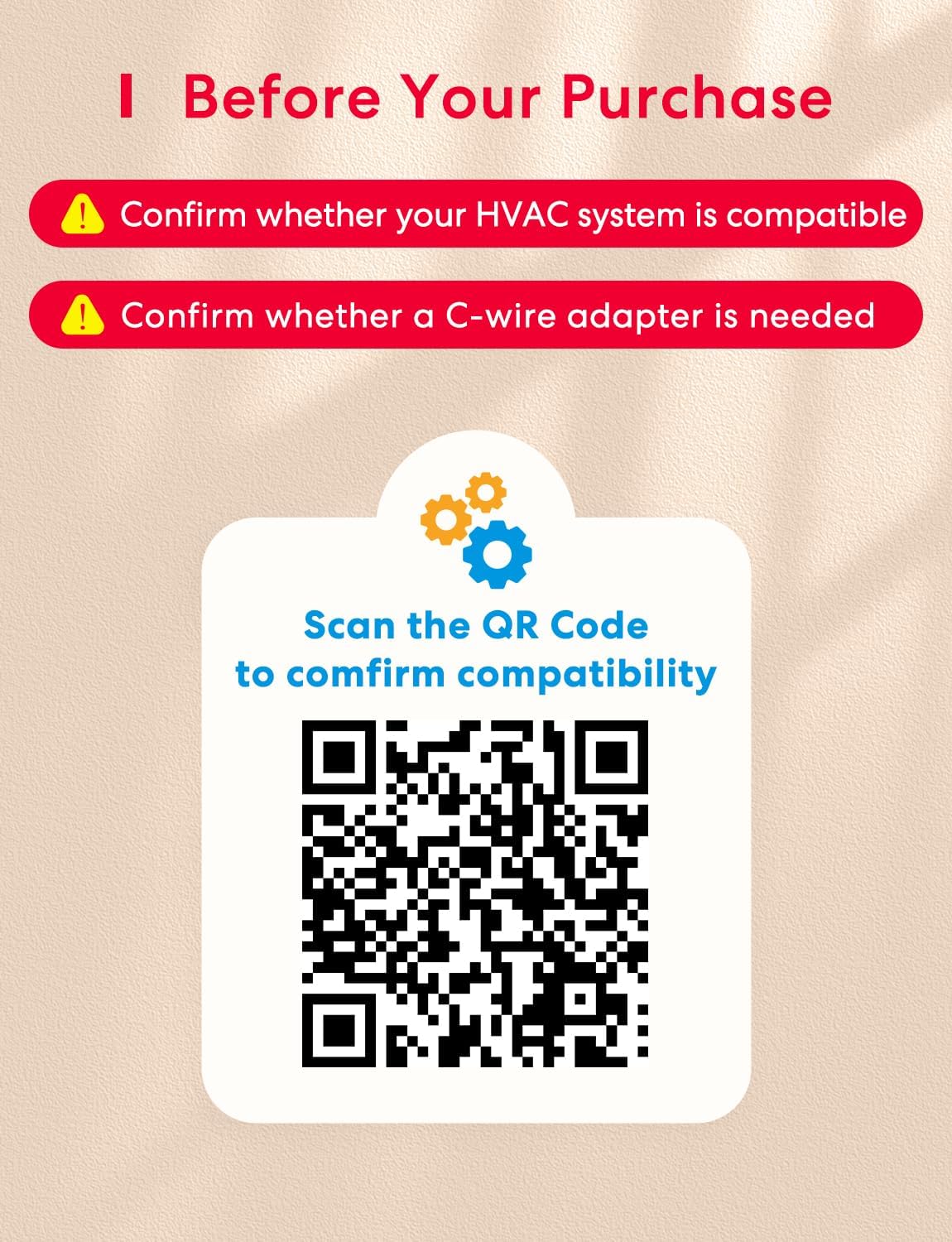
Before Purchasing: Meross smart thermostat for home is suitable for 95% of HVAC systems, including conventional heating and cooling systems, heating/cooling only systems, and heat pumps. Not suitable for electric baseboard heaters. Please check the compatibility before purchasing
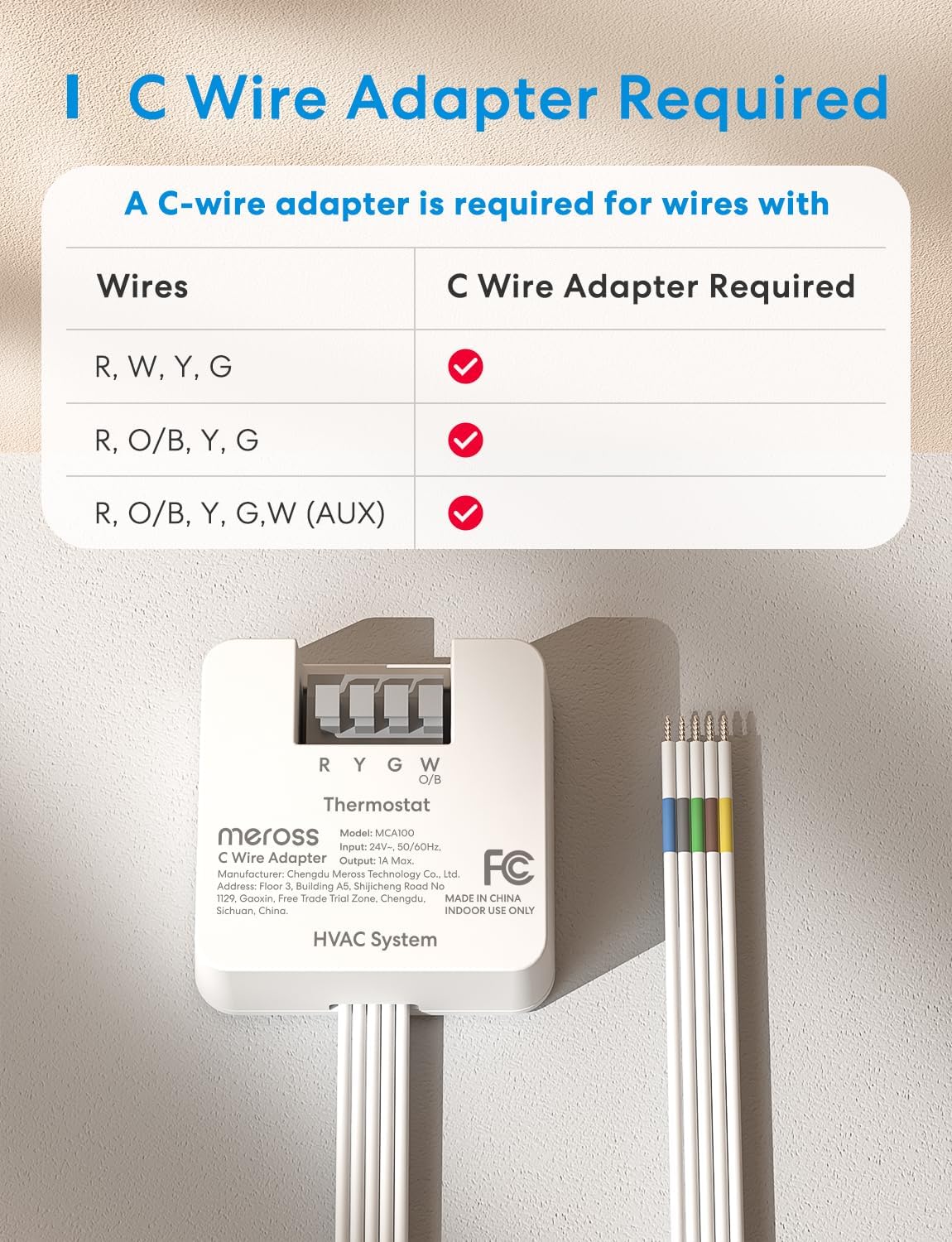
Note: This wifi thermostat requires a C-wire (common wire) for proper functionality. If your HVAC system does not have one, you can search for “meross C-wire adapter”to purchase a compatible adapter. This thermostat only supports 2.4GHz Wi-Fi networks
Professional After-Sales Team: If you have any questions, please don’t hesitate to contact our phone support. Working Hours: 10:30 AM – 7:30 PM (EST), Mon-Wed, Fri-Sat
Smart Schedule: Set it and forget it! The flexible schedule plans allow you to customize your heating and cooling routine, ensuring your home is always at the comfort temperature. The smart thermostat can automatically follow the schedule even when Wi-Fi is disconnected
Matter Compatibility: The Matter technology allows the wifi thermostat to integrate locally with platforms such as Apple Home, Amazon Alexa, Google Home, and Samsung SmartThings via Wi-Fi
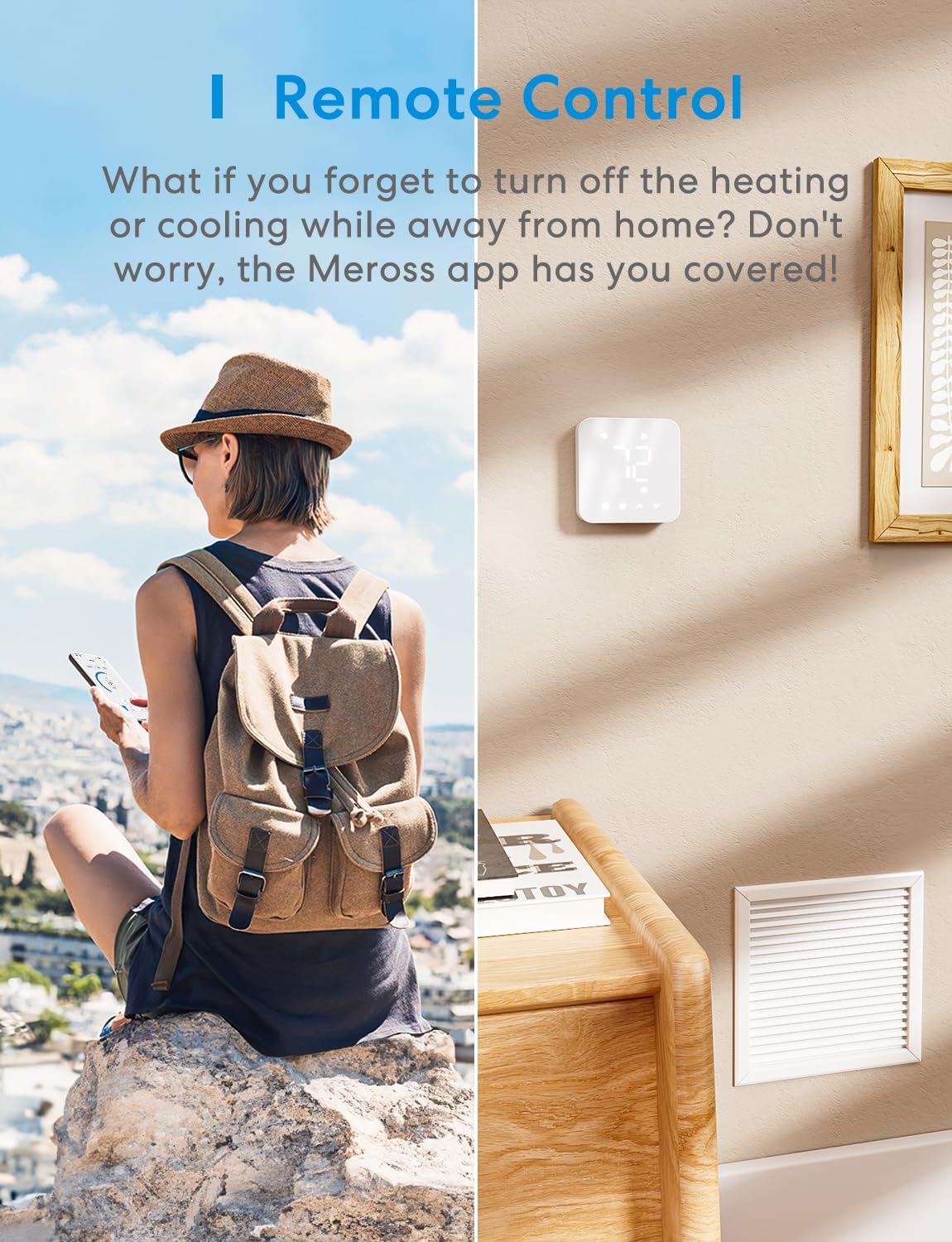
On-the-Go Control: Easily monitor and control your thermostat for house via smart app at anywhere anytime
Save on Energy Bills: Track your heating and cooling usage with the Meross app to conserve resources and save money
Smart Alerts: Stay informed about filter life, system malfunctions, and long-term operation. With meross wifi thermostat, you’ll have peace of mind knowing that your HVAC system is functioning properly
Designed for DIY: Easy DIY installation with this smart thermostat in under 30 minutes. Just follow the setup wizard of the Meross app
 Overview

Customer Review –
cheap but gives me really good control including full scheduling and “away mode” when nobody is home
I have now installed two of these in my home (I have two HVAC systems) and I am really pleased with them. The installation was pretty straightforward, definitely doable by anyone who is a little bit handy.See the full review for the features I was surprised to find and info on how to program this to switch to eco/energy saving mode automatically when nobody is home.I chose this unit because it is one of the first to support Matter out of the box. I have an Apple TV 4K, which acts as a Matter controller, so I can integrate it with Apple Home without a separate bridge device or anything like that. Matter is compatible with all the major smart home platforms, so I am not locked into a vendor-specific system. The Meross app is required to do much of the initial setup, but once I got everything set up I can control it from the Home app and automations without using the Meross app or widgets at all.First, here are a few features it includes that are hard to confirm in advance:* You can calibrate the temperature and humidity sensor. This is important because both units were way off out of the box (3 or 4 degrees off and about 6% humidity). I set a dedicated sensor right on top of the thermostat, let it sit for a while to stabilize, then went into the Meross app and adjusted the calibration until they matched.* You can adjust the “threshold” settings. With my old thermostat, the HVAC cycled way too often. With the Meross I tell it to let the temperature drift a full 2° before kicking the system on, which means it runs longer and rests longer, which is better for the longevity of the system.* You can also adjust settings like making sure the A/C compressor doesn’t turn on for at least a few minutes after the last time it was running, etc. I have it set to run the fan for 30s after stopping the heating/cooling to capture the residual heat/cool from the system, and that is adjustable, too.* You can set the fan to run at least every hour just for circulation. So you can say that the fan should run at least 5 minutes every hour, for example, just to make sure the air in the house is circulating. If the fan is already running 5 minutes because of heating or cooling, the setting does not increase fan time, it only affects when the fan would not be running otherwise.* It can monitor filter usage by calendar weeks/months or by time actually running. My filters last longer in the spring and fall than they do in the summer and winter. This setting lets you track the actual usage instead of just the simplistic “time since last change”.One of the main features I wanted was the ability to detect when nobody is home and switch to a lower-energy state. This isn’t supported directly, but I was able to make it work using Apple Home and its automations. Note: this works using Apple’s location tracking (the same thing that drives the FindMy app), which is a lot more reliable than a motion sensor. Here’s how I set it up:* I created an Apple Home “Scene” for each setting that I want. In my case I just have “Sleeping”, “Awake”, and “Nobody Home”, each of which controls the device and sets it to a target temperature. None of my actions change the thermostat directly, they just invoke these scenes. This means that in winter when I switch to heating I can just update what each scene does and all the actions will do the right thing.* In the Home app I went to the “Automations” tab and create a series of actions. This was the most complicated part. I have 3 different kinds of actions:1. At a given time, if somebody is home run a scene. For example, at 7:00 AM if somebody is home run the “Awake” scene (which sets the target temp). Ditto for evening (set to sleeping). This emulates a basic schedule, but the transitions only happen if at least one person is home.2. When the first person arrives home and the time is in a certain range run a scene. For example, when the first person arrives home (the house was empty and then a family member arrived) and it is between 7:00 AM and 10:00 PM invoke the “Awake” scene, which triggers the target temp. I have one from Midnight to 7:00 AM (Sleeping scene), 7:00 AM to 10:00 PM (Awake scene), and 10:00 PM to midnight (Sleep scene). Night has to be chopped into two intervals. This switches away from my eco setting to normal when somebody arrives at home.3. To “Nobody Home” when the last person leaves. When the last person leaves the house, switch to the energy saving setting. Since the other transitions only happen when somebody arrives home or somebody was already home, this setting “sticks” for as long as nobody is home.* I don’t set or enable any normal “schedule” feature (notably I do not use the schedule feature of the Meross app) since they are not flexible enough to consider people coming and going, but have everything fully scheduled.Another feature I am interested in but have not tried yet is the ability to add another temperature sensor. For me, I want one in my bedroom so I can tell the system that the temperature in my bedroom is what matters at night, not the temperature where the thermostat is installed. It has this support, but you have to buy a Meross sensor and it has to have a special hub. I wish it was a cheaper device and didn’t require a hub, but at least it exists.So overall I am really happy with this smart thermostat. It’s one of the cheapest out there but integrates really well with Apple Home and gives me all of the control and features that I want. It took a little playing around to figure out how to do the “away mode” detection (the Matter protocol is pretty limited, which is why the scene/automation setup is necessary), but I’m happy with the results.
viperccp –
Excellent smart thermostat full of great value
I have been using the Meross MS300 Smart Thermostat for about a month now.Upon receiving it, I thought it would be a snap to install and get working because I had an extra blue wire from my thermostat I could use for the required C-Wire. However, due to the age of my AC System, two of the AC guys I requested come in to hook it up refused. I watched a YouTube video and felt confident it was as simple as connecting it to one of the ground wires, but they wouldn’t do it. Fortunately, a 3rd AC guy was able to quickly connect it and it was ready to setup.However, setup requires you to connect the thermostat via 2.4ghz wifi and my Verizon Gateway uses 5ghz, so I couldn’t connect to the Meross Thermostat to set it up.Solution (detailed steps provided at the end) was to disable the 5ghz signal and enable the guest 2.4ghz signal, using the same wifi name and password as the 5ghz signal. Once I was able to connect to the 2.4ghz guest band, I could setup the Meross Thermostat and save all my settings.I then disabled the 2.4ghz guest wifi signal, and re-enabled the 5ghz wifi signal, and the Meross was still able to talk to my Verizon Gateway router just fine. So now I can remotely control the Thermostat from my phone and setup automation like I have wanted to do for a long time.After getting the Meross Thermostat connected and working with my phone, there were still a few wrinkles to get ironed out, which Meross Customer Support was fast and efficient with providing solutions to.First was the fact that the temperature was off by 2-3 degrees. The quick answer was to adjust the Calibration in the Advanced Settings of the Meross app to adjust the temp up +4 degrees. While there, I also calibrated the humidity down (-9%) to more closely match what the external sensors were reporting.Second was more a preference that the fan not continue for so long after turning the ac off. I was able to adjust the Threshold settings to reduce the delay time before having the fan turn off.It is great having the ability to fine-tune the behavior of this old ac unit!One enhancement I would like to see is the ability to see at a glance what state the AC is in. It is easy to tell from the app, but I want to be able to visually tell if it is currently set to OFF for instance.Support supplied me with the following information (hopefully this is helpful to someone):The control panel of the MTS300 displays the thermostat mode status as follows:Off: No working symbol is shown. If you touch the panel, it will display “OFF.”- Cool: A snowflake symbol appears.- Heat: A sun symbol appears.- Auto: Both a sun and snowflake symbol are displayed.Again, this all makes sense and provides a nice clean simple display… but I would still like to see the words “OFF” somewhere on the panel when it is in the OFF state without having to go up and touch the panel.So, while it was a bit of work to get it working, it wasn’t the fault of the thermostat. Any smart thermostat would have required the hardware steps taken to connect the c-wire, and may even have required connecting via 2.4ghz instead of 5ghz. Not sure about that last one though.To summarize, this is a great unit with lots of advanced features to help fine-tune the system, while also being very affordable. The Meross Support team is extremely responsive and helpful, and I am very happy to add this to my family of Meross devices in my home (garage opener, smart outlets, etc).Read below for detailed steps on how I was able to connect my phone to the Meross Thermostat:Verizon Wirless Gateway Router – Steps to connect Meross Thermostat1. Write down your current 5ghz wifi NAME and PASSWORD2. Disable or Rename your router’s 5ghz wifi (ie: MyOriginalWifiName123)3. Enable your router’s 2.4ghz wifi (if disabled)4. Rename your router’s 2.4ghz wifi to match the 5ghz wifi name (ie: MyOriginalWifiName)5. Set your router’s 2.4ghz password to the 5ghz wifi password (must match exactly)6. Forget/remove your 5ghz wifi connection on your mobile device7. Connect to the 2.4ghz wifi (ie: MyOriginalWifiName)8. Proceed to connect your mobile device to the thermostat via the Meross App.9. Follow the setup, it should work now.10. After completing the setup and verifying you can control the thermostat from the app, you can now go back to 5ghz doing the following:11. Disable your router’s router’s 2.4ghz wifi (I recommend renaming it back to what it was or add 24ghz at end of the name.12. Enable your router’s 5ghz wifi (if you decided to disable it)13. Rename your router’s 5ghz wifi back to it’s orginal name (ie: MyOriginalWifiName)ALL DONE!The Meross Thermostat should still be able to communicate with your mobile device over the 5ghz router now that the initial setup has been completed and the wifi name and password have been saved in the meross thermostat.P.S. after going through all this, it is nice to know that if there is a power outage at home… the Meross smart home devices will retain their settings and automatically reconnect to the network once power is restored. WHEW!
pe –
This little guy really exceeded my expectations. It offers a right balance between functions and cost. I always want a Wi-Fi thermostat that I can control temperature with my phone, especially in those cold early mornings without leaving bed or when you don’t want to go downstairs to press the button. But I don’t want to pay couple hundred dollars for that. I had good experience with Meross garage door opener, so I want to give this a try. The installation is super easy, it took me 15 mins to replace my old thermostat. I only use it for the furnace to control heat, but it works with different kinds of setups to control both heat and cooling. I like the sleek and simple design, and you can turn off other icons and only show the temperature. The app is plain vanilla and has all the necessary functions, even usage monitoring, and it’s matter compatible so I can use either the app or Alexa to control it. Overall I’m very satisfied with it, I think this is the best option in this price range.
Fola –
I’ve been using the Meross Smart Thermostat for a little while now, and it has been excellent. Installation was straightforward, and the setup process was smooth. The design is sleek and fits perfectly into my home.I really like how easy it is to control and schedule the temperature from my phone, and the responsiveness of the app is impressive. The thermostat has made my home more comfortable while also helping me save on energy costs.Overall, this product delivers exactly as promised, and I would highly recommend it to anyone looking for a reliable and affordable smart thermostat.
Plain Reviews –
I’ve been using the Meross Smart Thermostat for a few days now and I’m very happy with it. Installation was straightforward — I needed to use the included C-wire adaptor, and it only took about ten minutes to remap the wires following the instructions. The guide was clear and easy to follow, and having a built-in level on the backing plate made aligning the thermostat simple.Setup and pairing were equally smooth. Meross offers integration with Apple HomeKit, Alexa, and Google Home, and connecting to each was quick and hassle-free. I also really appreciate that it supports local control through the Meross LAN integration. This lets me control it directly from Home Assistant and connect it with my existing automations.One of the main reasons I went with this thermostat is that it doesn’t rely on a subscription or any kind of premium service to access its full functionality. Everything works out of the box without ongoing costs.Overall, I’m very happy with the Meross Smart Thermostat. It’s easy to install, reliable, and integrates well with a variety of platforms. Highly recommended for anyone who wants a smart thermostat without subscription lock-ins.
Sherry –
Works great and was super easy to install. Install the app before and it will explain exactly how you can install. Setup took less than 30 minutes, and it connected to Wi-Fi and my smart home system with no issues. The design looks modern, and the app makes it simple to adjust or schedule temperatures. Definitely recommend if you want a reliable, affordable smart thermostat.
Dugnut –
An excellent durable product, the folks at Meross really put a lot of thought into the product (This can be configured for a conventional furnace or a heat pump). It has a very nice minimalist design with an included back-plate to cover a electrical box if required. The wiring harness with pushpin friction connectors for the wires has a built in level, making the physical installation a breeze. The included documentation will make the install easy and the software guide from the application makes it even easier with clear directions, that breaks the down the steps into very small bites. Configuring the thermostat is really easy as well, with an innovative design that includes; a schedule that can be broken down into 15 minute increments with a seven programmable days, you can add additional temperature sensors to balance home temp, link it with google/amazon, usage logs with the option to add bill calculation based on usage and a furnace filter reminder.It only lacks an “occupancy/away from home” feature, you can manually lock the temp but lacks the geofence option of the Honeywell T10. However, if the folks at Meross can add that feature… this product will indicate the end of overpriced thermostats.My only complaint is screw length for mounting the wiring harness, they are too short if you are mounting this to a stud behind drywall. Otherwise it is a must buy for any homeowner who doesn’t care about a geofence feature.