

-9%
Sale!




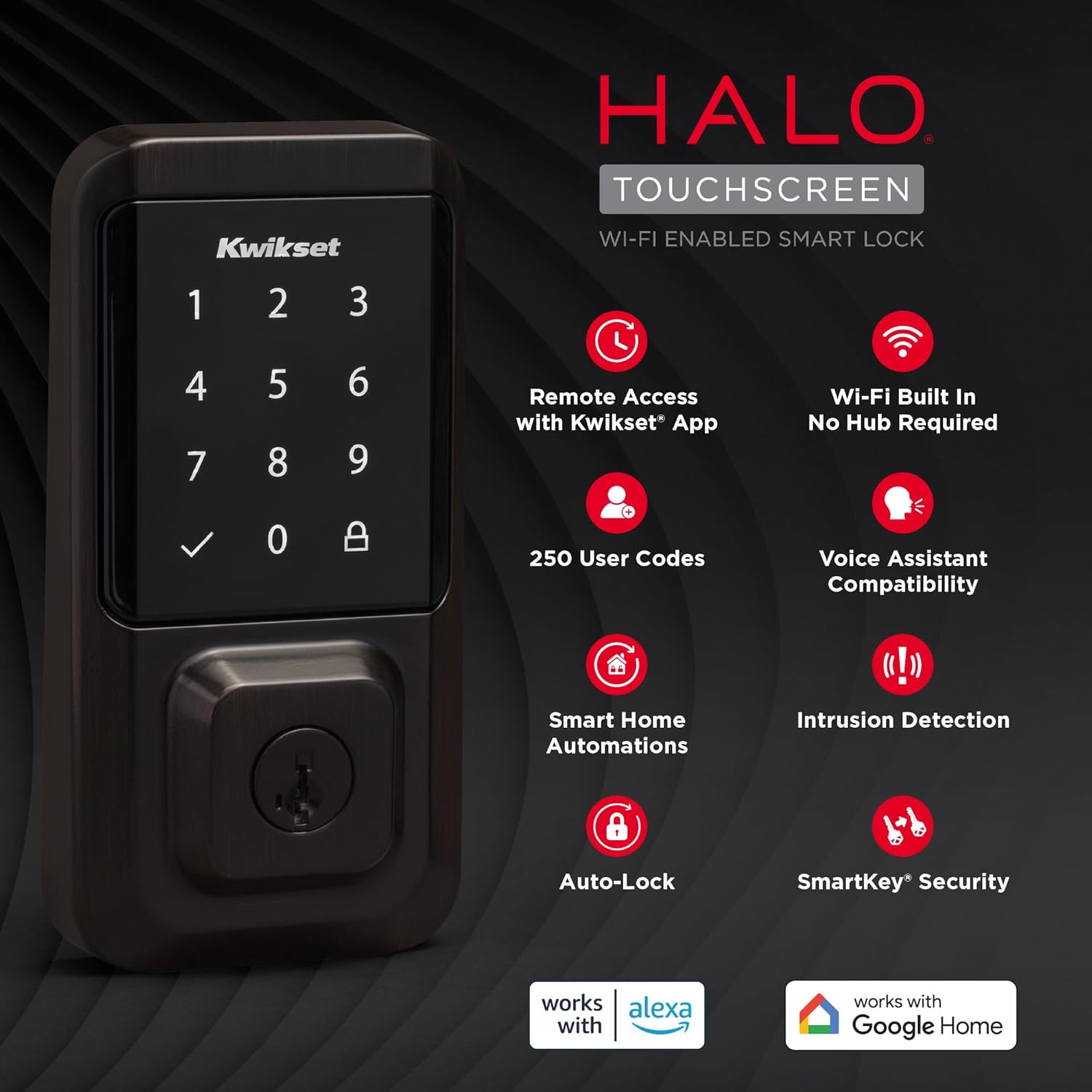
Unlock simplicity, connectivity and smart living with Halo Touchscreen. With the Kwikset app and Halo Touchscreen’s built-in Wi-Fi, you can lock or unlock your home from anywhere. Keyless entry means you can ditch your keys, for good — unlock your door with the Kwikset app or enter a code on the backlit touchscreen. Access codes simplify sharing access with family and trusted guests, and real-time notifications give you peace of mind they’ve locked up after leaving. Experience total control of your front door: Control your lock with your voice, check the event log any time and receive instant notifications for intrusion attempts. It’s easy to get started with Halo Touchscreen; the guided setup and installation only requires a screwdriver. When it comes to security and access control, you can trust Kwikset’s 75 years of experience to deliver effortless protection and peace of mind.
CONTROL FROM ANYWHERE: Wi-Fi enabled smart door lock (no hub required), use the Kwikset app to remotely lock and unlock, share guest access, view activity history and more
CONVENIENT KEYLESS ENTRY: Enable intelligent geofencing to automatically unlock as you approach your home, unlock using the Kwikset app or enter a code on the touchscreen
SHARE ACCESS WITH GUESTS: Backlit keypad supports up to 250 access codes for keyless entry; use the Kwikset app to share temporary, scheduled or permanent access codes with family and guests
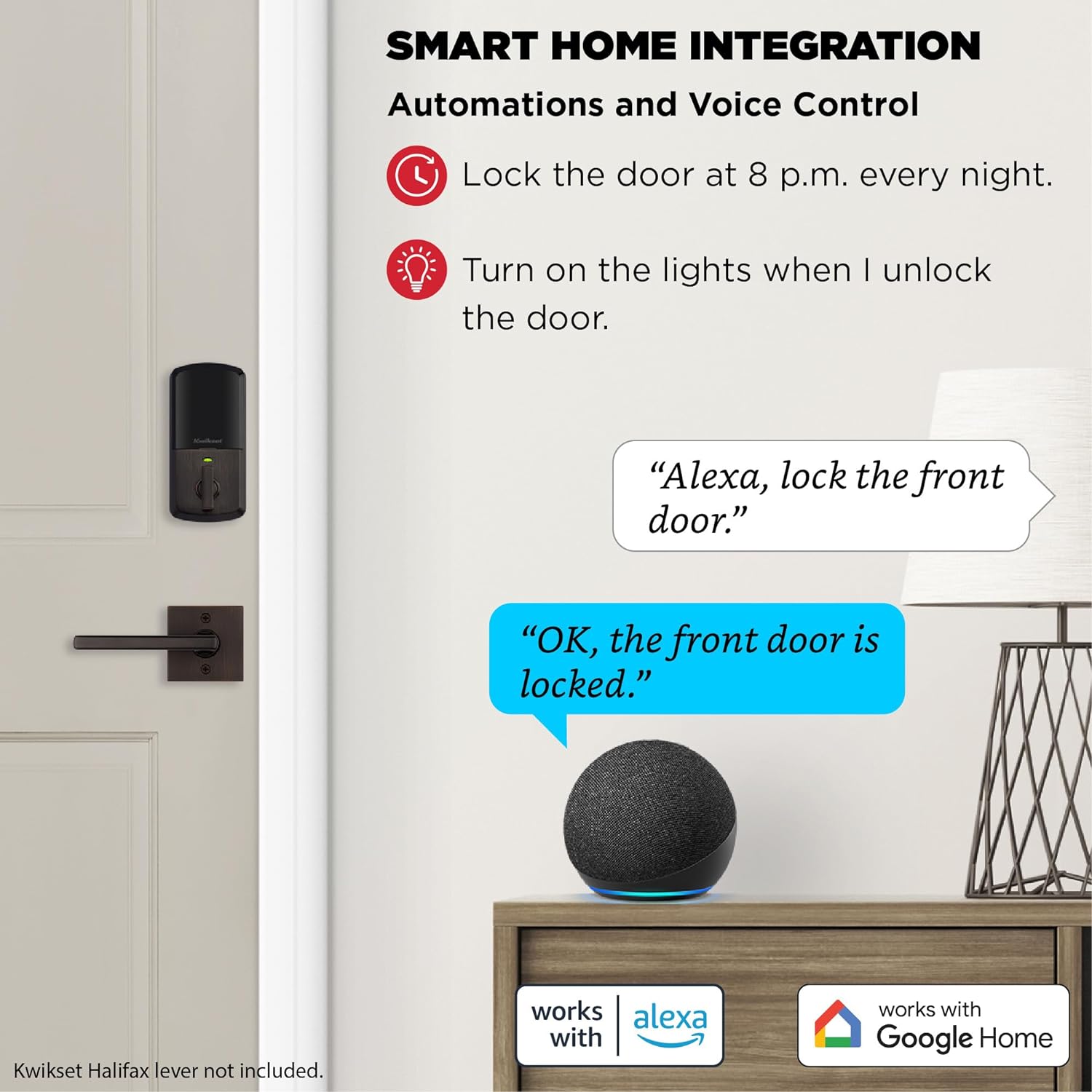
SMART HOME INTEGRATION: Works with Amazon Alexa or Google Home, control your lock with your voice and create helpful automations that keep your home secure
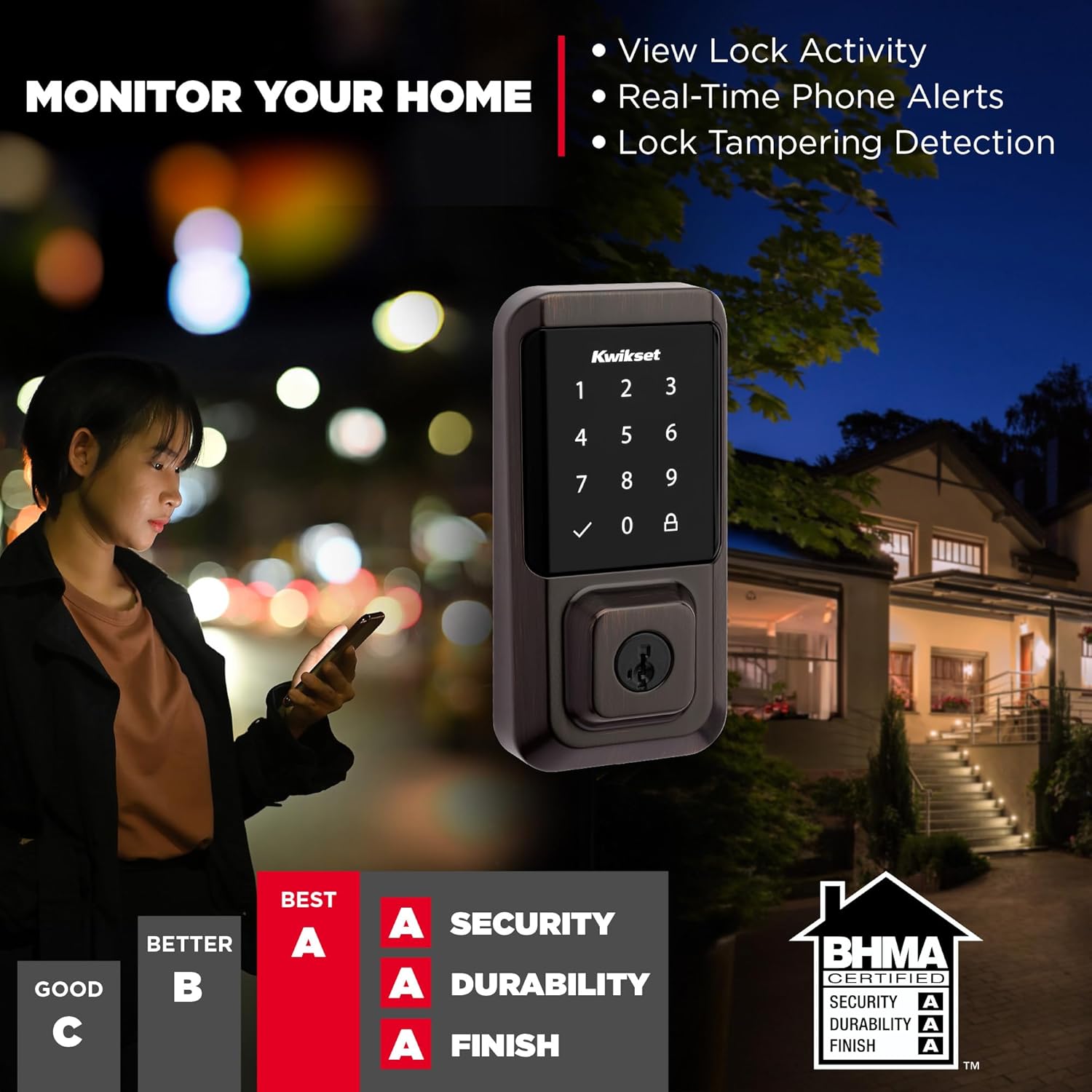
INTRUSION DETECTION: Instant notifications in the Kwikset app alert you of any unusual lock activity, including invalid code attempts or lock tampering
AUTO-LOCK SECURITY: Set a duration for your door to lock automatically after entry or exit for added safety and peace of mind; perfect for keeping your hands free and getting in and out in a hurry
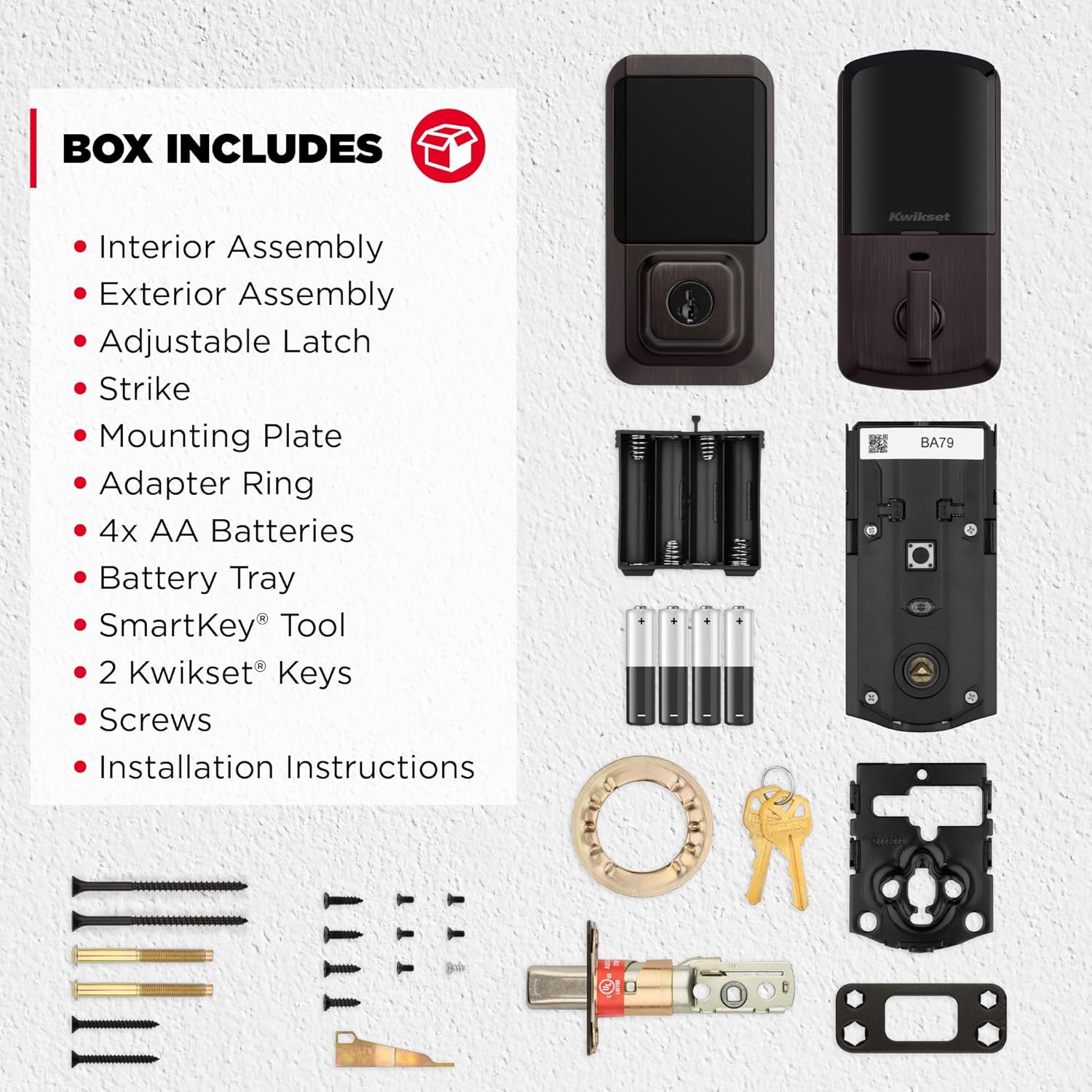
EASY INSTALL: Do it yourself, installs in minutes with just a screwdriver, fits doors between 1-3/8″ and 1-3/4″ thick with adjustable deadbolt backset from 2-1/8″ to 2-3/4″
PRODUCT WARRANTY: Locks and handles have a lifetime mechanical and finish warranty and a 1-year electronics warranty; see Kwikset warranty for full details
 Overview
C –
Perfect combo of style and functionality!
Easy to install and looks great! The black color is very elegant and should match any modern black hardware. Seems to be high quality so far and the app is easy to use. I didn’t see a way to set up user codes that apply across all locks, so I had to set them up individually instead. It’s not the end of the world, obviously, but would be nice to be able to set the user and code in the app and then check which locks that user and code applies to. Locks work as intended though and it’s nice to have multiple ways to unlock the door (including the good, ole fashion key). Re-keying the locks to a standard key was incredibly easy and one of the best features of the Kwikset line in my opinion.
meinhard57 –
Great product, very short battery life
This is great product that works flawlessly. If you follow directions, you’ll have success. One issue – very short battery life – had to replace the batteries after only two months.
Noah –
DO NOT RECOMMEND
The touch screen is garbage. You have to tap it a hundred times just to get it to light up. I had read that you are supposed to put the back of your hand over the lock to get it to light up but even that doesn’t work 99% of the time. The lock continuously disconnects from wifi and the only way to get it reconnected is to do a factory data reset so you have to set up every single code you had over and over again. I have had this lock just over two months now and have had to do a factory reset 5 times already in that short period. The lock sucks though batteries like I have never seen before. I have to replace the batteries about every 3 weeks. And have had to replace the batteries 3 times already in the short period I’ve had it. I had a kwikset lock before that was just coded lock and I would replace the batteries about every year and a half or even longer. To go through 4 AA batteries in 3 weeks is just ridiculous. The lock is rather loud. The motor is much louder than my basic coded deadbolt I had from kwikset. I chose this lock because I absolutely loved kwiket lock i had before and thought it was a great lock. Plus I love the rekey feature. But this lock needs some drastic work to get it up to speed with what I would expect from kwikset. As far as customer support I emailed kwikset about the issues I was having and it took them a week and a half almost two weeks to even respond. The app is very basic and you can’t make many changes or do much with the app other than add a code or lock and unlock the lock. The biggest complaint I have about the app though is that there isn’t a way to configure wifi settings or anything for the lock. So if you change your wifi password or the lock disconnects from the wifi as it constantly does you have to do a factory reset. The lock also says it is Bluetooth but literally the only think the Bluetooth is used for is setting up the lock thats it. If the lock has disconnected from the wifi the lock is completely rendered useless and becomes a standard regular deadbolt. Even though the app still shows it is connected and that it is connected via Bluetooth as well nothing. No changes can be made without a factory reset. The only way to determine that the lock has been disconnected from the wifi is from the history report and you see last updated yesterday at 00:00. And you know the lock has been unlocked or locked several times since that time. Or when you are trying to use Alexa and she responds the lock is not responding. Then you know it has once again been disconnected from the wifi. To sumerize I seriously regret my decision in choosing this lock and it needs massive amounts of work to even be considered a decent lock. I have always been a huge kwikset fan. But this is a huge let down and biggest waste of money.
Brittany Whitehead –
Awesome product!
Bought this since I am always losing my house key and This is such great quality. You can set up passcodes for different people you want to have access and set up times that they can use the code to get in. Each person can have their own passcode. Works great. So easy to tap and use. It’s so handy to just walk up and type numbers in to get inside instead of looking for a key. This does come with keys as well in case something is wrong.
Robert (Whizard) Whisner –
Seems more durable that the one I got made in China
OK, I just installed the thing. I had nice reviews for the last one I bought until it “Broke” in.So maybe too soon to review but…That said, it seems much beefier than the other, it uses a standard Kwikset key that I can have duplicated anywhere. And/Or use their re-key technique to key all the Kwikset locks in the house to the same key.I did have trouble at first linking it to my WiFi but exiting the app and trying again fixed that.If I had anything a bit negative to say about it, it is kind of loud. You definitely know it’s locking and unlocking. It was quite easy to install… after I broke down and unfolded the instructions. I’ve done a lot of locks, but there were a couple things they knew you would need to know. I read some of the one star reviews and was a bit worried but most seemed to be knee jerk reactions to minor problems.OK I’ve lived with it a couple days now. Auto lock can be problematical. The shortest duration is 30 seconds. I’ve had someone half close the door and I got a slew of “The lock is jammed” notifications.Added someone else’s smart phone. They can only lock and unlock, no other access. Seems secure. I Like that feature.Secure keypad: when the keypad wakes up it displays 2 numbers you have to hit before it will let you enter the code. The idea there is so keep strangers from looking at fingerprints and guessing a code. I turned it off. Or tried to. Had to do a work around to get it to sync by turning something else on or off.Seems to be reluctant to wake up when you touch it. Experience had taught me the trick. Touch it for a couple seconds in the lower right corner. It will wake up and your finger is in a ‘safe’ place. Might also respond anywhere around the edge.It started reporting ‘jams’. It turns out the batteries were getting low and though it would open, it was trying twice.All in all, I am liking it much better than the previous one. Seems solid. Might have a couple quirks but once you figure them out it works fine.
Luis Gurza –
Excelente, la recomiendo ampliamente, me fue muy facil instalarla y configurarla que luego resulta muy complicado, en este caso me fue muy sencillo y la cerradura trabaja perfectamente, obviamente como todo este tipo de cerraduras consume las baterías con cierta velocidad pero no mas que otras cerraduras electrónicas que he usado mucho mejor que 2 cerraduras Yale que he tenido y ambas dieron problemas en poco tiempo y se consumian las baterías a una velocidad increible Gran Cerradura!!!
newoptions –
Bought this lock for a new front door. After the install tried to install the app only to find the Kwikset Halo app is not support in Australia. Total disbelief and frustration.
Oscar –
Se instala muy fácil, muy amigable para emparejar con app. Responde siempre sin problemas de desconexión.La recomiendo.
Ricardo A –
Compramos esta cerradura por varias razones, una de ellas para conectarse al wifi y poder monitorearla. La aplicación tiene muchas fallas, en ocasiones no quiere abrir, a veces dice que está desbloqueada cuando no es así. No sirve de nada tener la aplicación con tantas fallas.Por otro lado, en dos días la batería se descargó un 20 %, es ilógico porque ni se ha usado tanto, va a salir mas caro reemplazar las pilas a cada rato.En su publicidad decía instalación gratuita y no es cierto Kwikset dice no tener convenio con amazon y no cubre ni la garantía ni la instalación.
Pacorro –
Buen producto, fácil de instalar