
-91%
Sale!


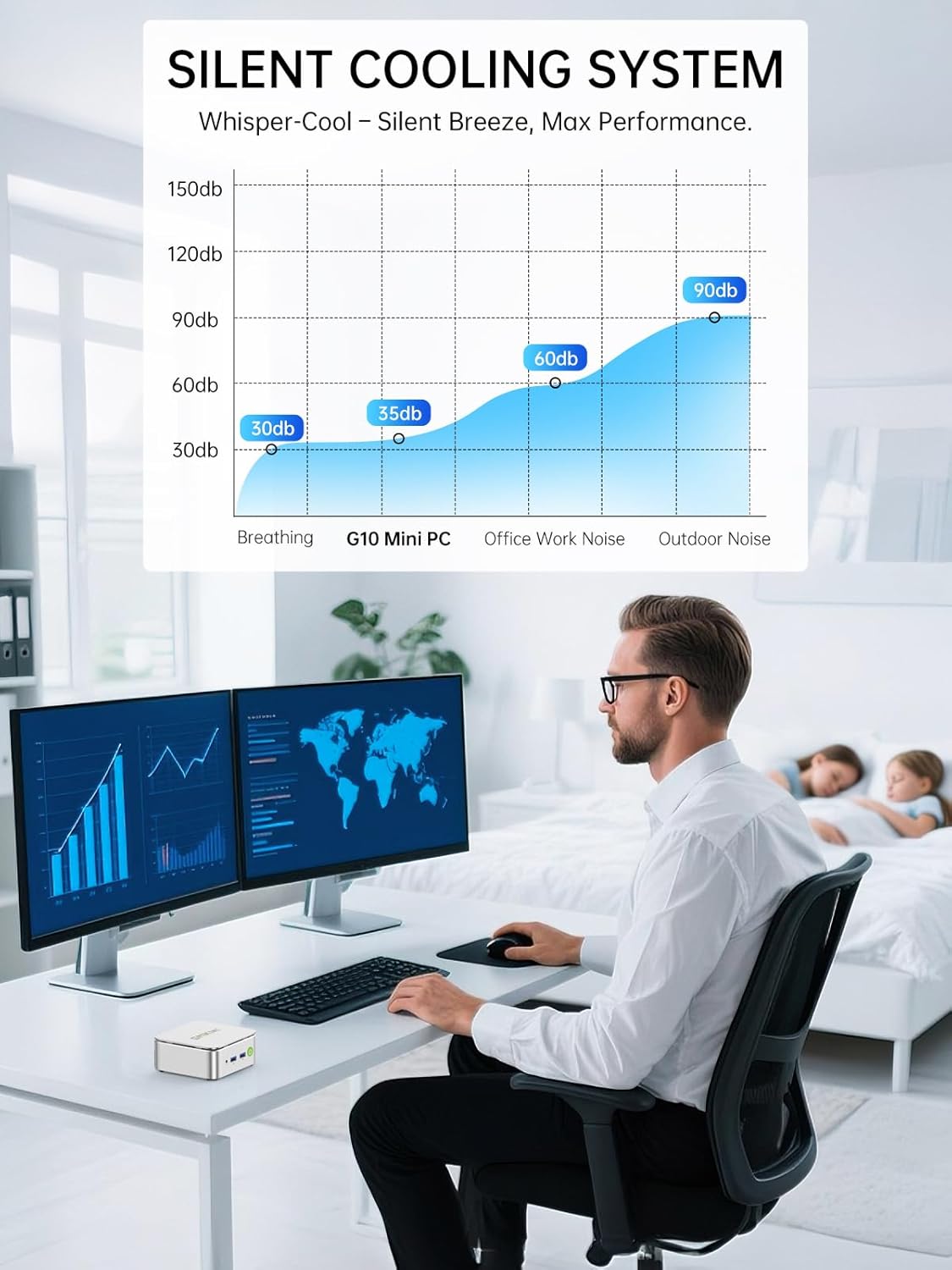
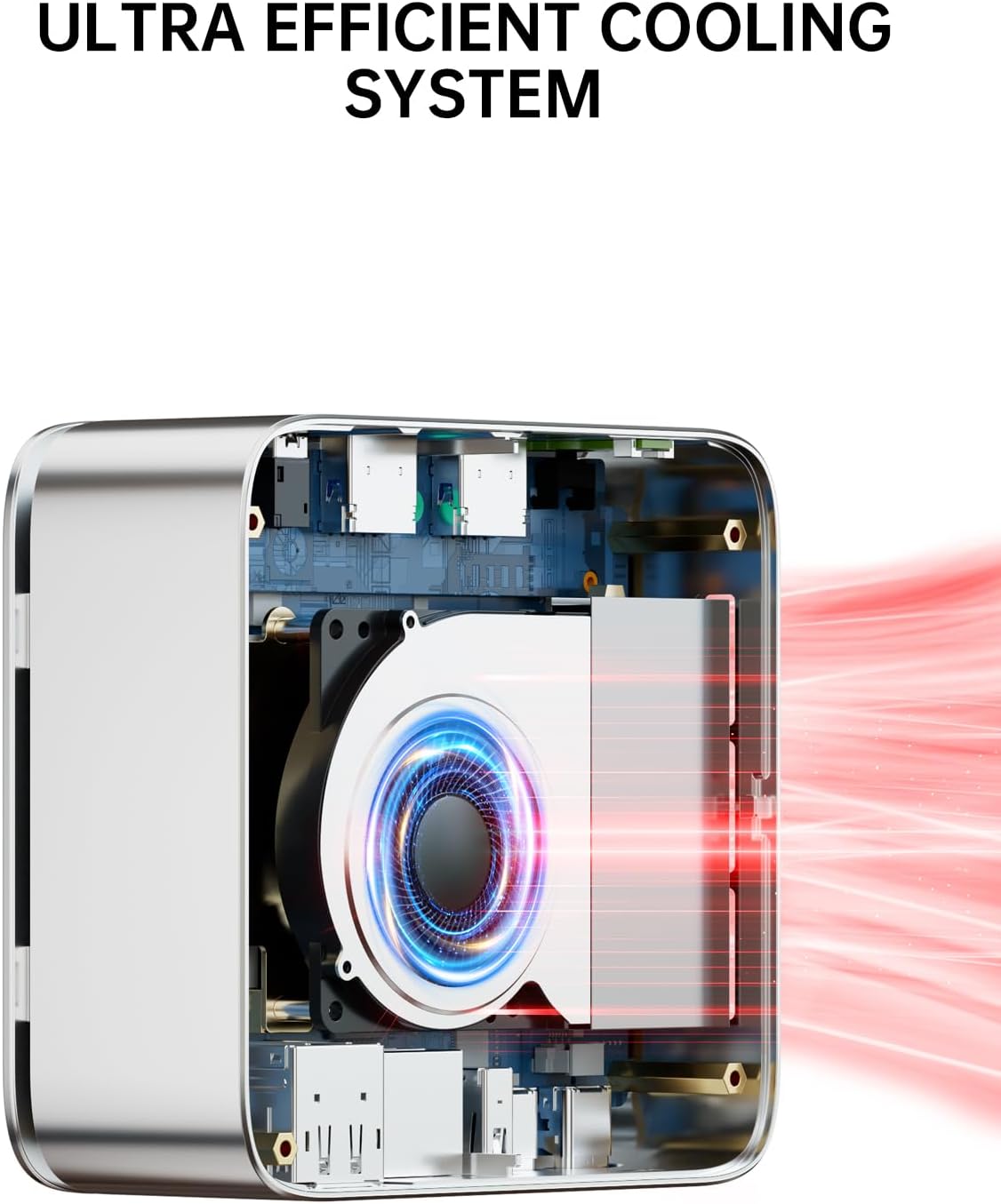
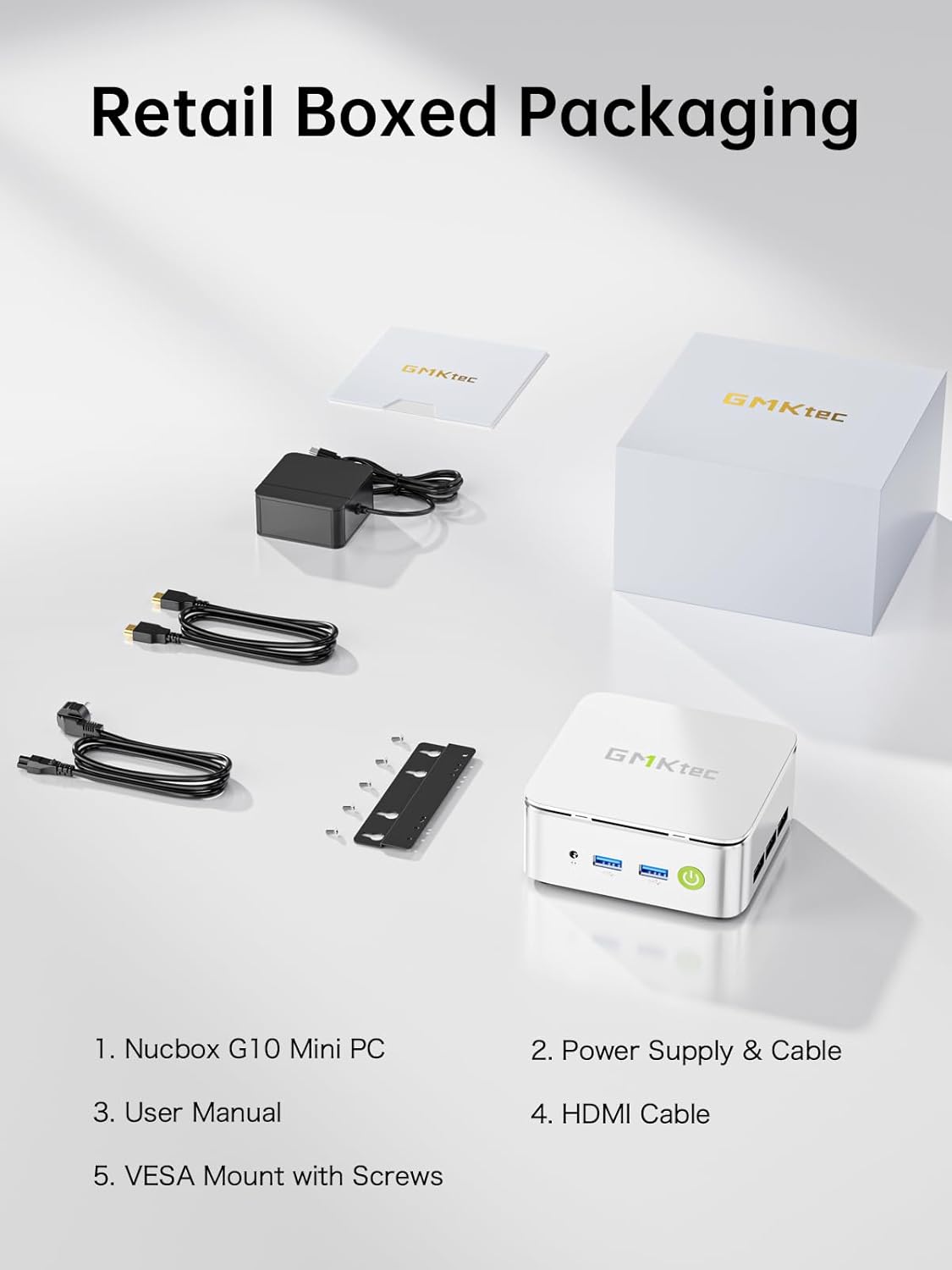
From the brand

1 Year War~ranty, 24Hr Support.
Amazing discounts for Business Buyers.
Follow our brand for deals and updates.

Shenzhen GMK Technology Co., Ltd is a high-tech enterprise integrating scientific research, development, production and sales of Mini PC and Computer Accessories.
Our company was established on June 6, 2019 and our core team is composed of engineers with 20 years of experience in consumer electronics. It was our shared dream that brought us together as GMKtec.
GMKtec manufactures professional Mini PC computers.
How did we get our start?
GEEK | We aim to provide the ultimate product experience for users around the world.
MODERN | We aim to provide users with cutting-edge technology products.
(K) Creative | We always adhere to the innovative spirit of keeping pace with the times.
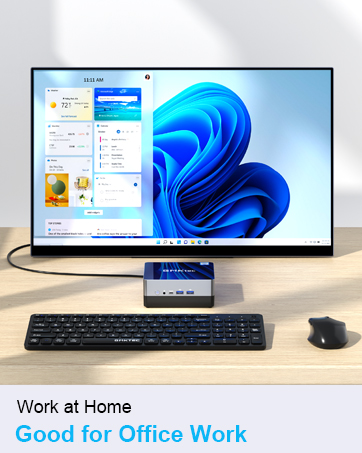
The GMKtec mini PCs are widely used at office, home theater and bussiness. All computers support customer customization.




Equipped with the latest AMD Ryzen & Intel Processories. Built-in GPU for smooth framerate and gameplay.


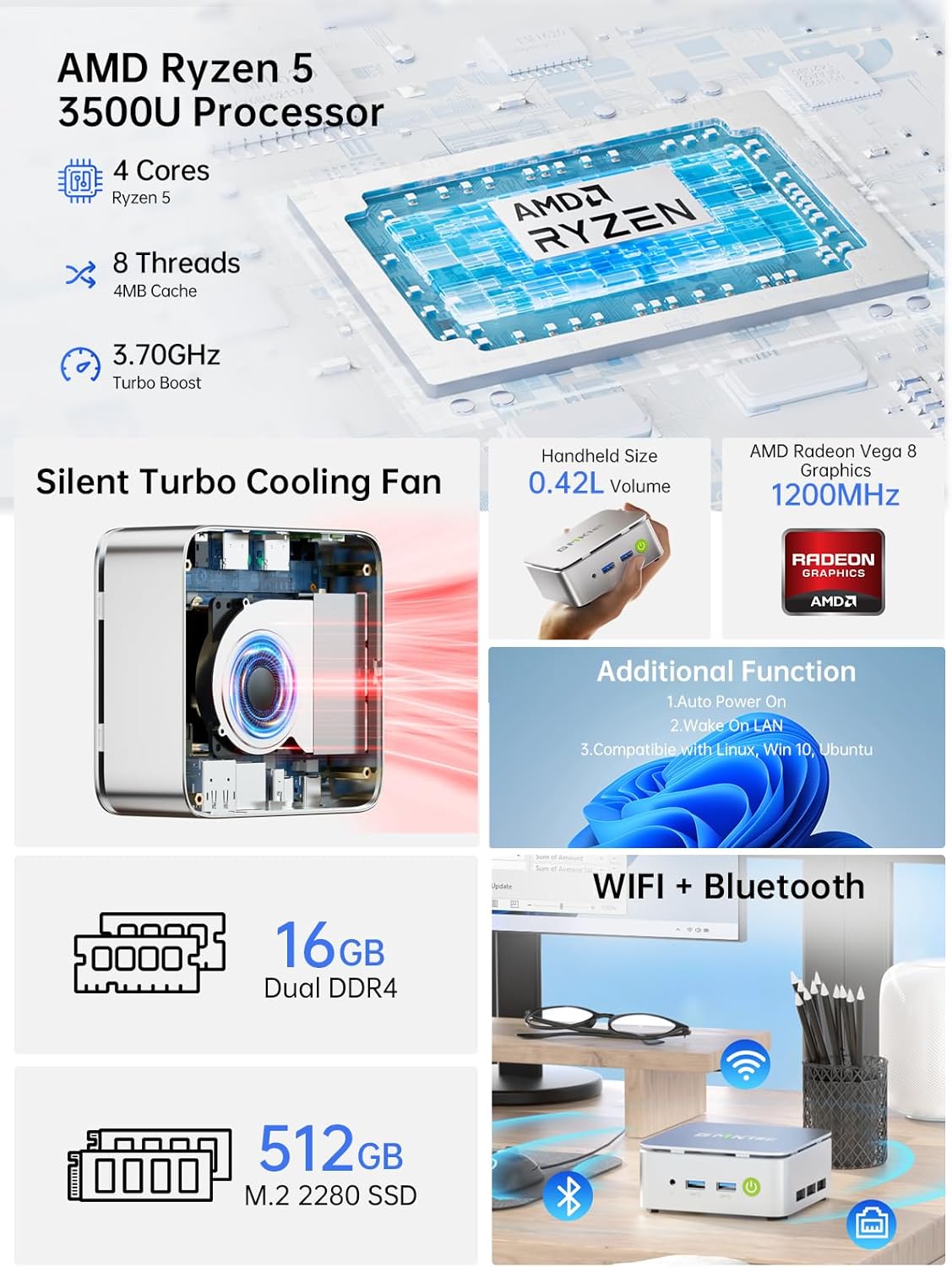
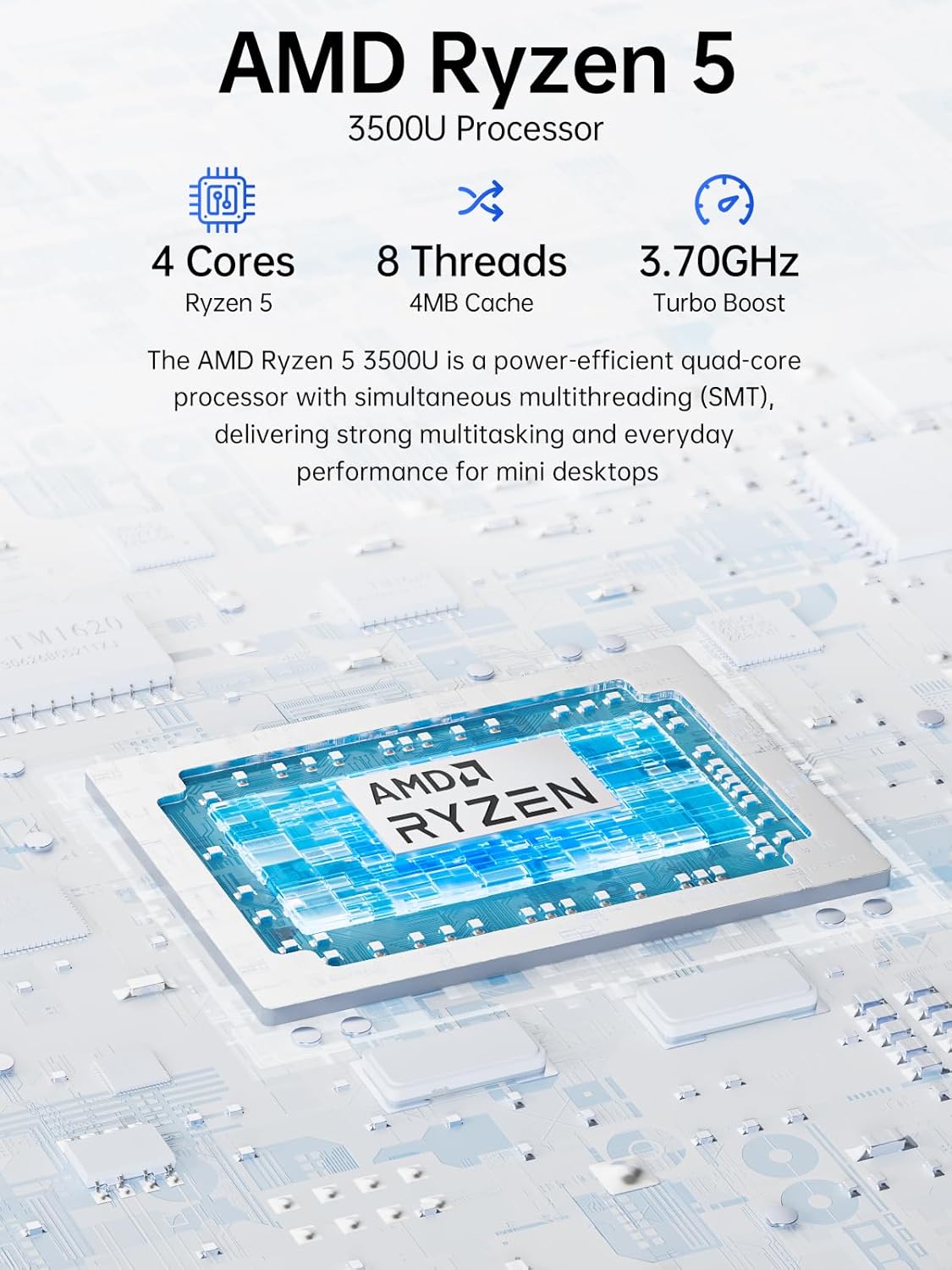
MINI PC COMPUTER OFFICE LIGHT GAMING – GMKtec Nucbox G10 Series is equipped with the Ryzen 5 3500U, a 64-bit quad-core mid-range performance x86 mobile microprocessor. This processor is based on AMD’s Zen+ microarchitecture and is fabricated on a 12 nm process. The 3500U operates at a base frequency of 2.1 GHz with a TDP of 15 W and a Boost frequency of 3.7 GHz. This APU supports up to 32 GB of dual-channel DDR4-2400 memory and incorporates Radeon Vega 8 Graphics operating at up to 1.2 GHz. 35% Performance increase over the similar Intel N-Series N150/N100/N97/N95 processor chips.
16GB DUAL CHANNEL DDR4 + 512GB SSD – Installed with DDR4 16GB SO-DIMM RAM Dual Channel (2x8GB) and a 512GB SSD, the Nucbox G10 mini pc supports memory expansion to 64GB RAM. Featured with Dual M.2 2280 PCIe 3.0 slots, supports dual storage slot expansion to 16TB SSD (2*8TB). (Upgrades not included) This model supports a configurable TDP-down of 12 W and TDP-up of 35 W.
UNLEASH RAW PERFORMANCE MODE 25W – Dominate demanding tasks with the AMD Ryzen 5 3500U processor. When switched to Performance Mode in the BIOS (press “Esc” key repeatedly during boot, save then exit), this mini PC delivers superior multi-core processing power, significantly outperforming Intel N-series chips in CPU-intensive applications, multitasking, and creative workloads.
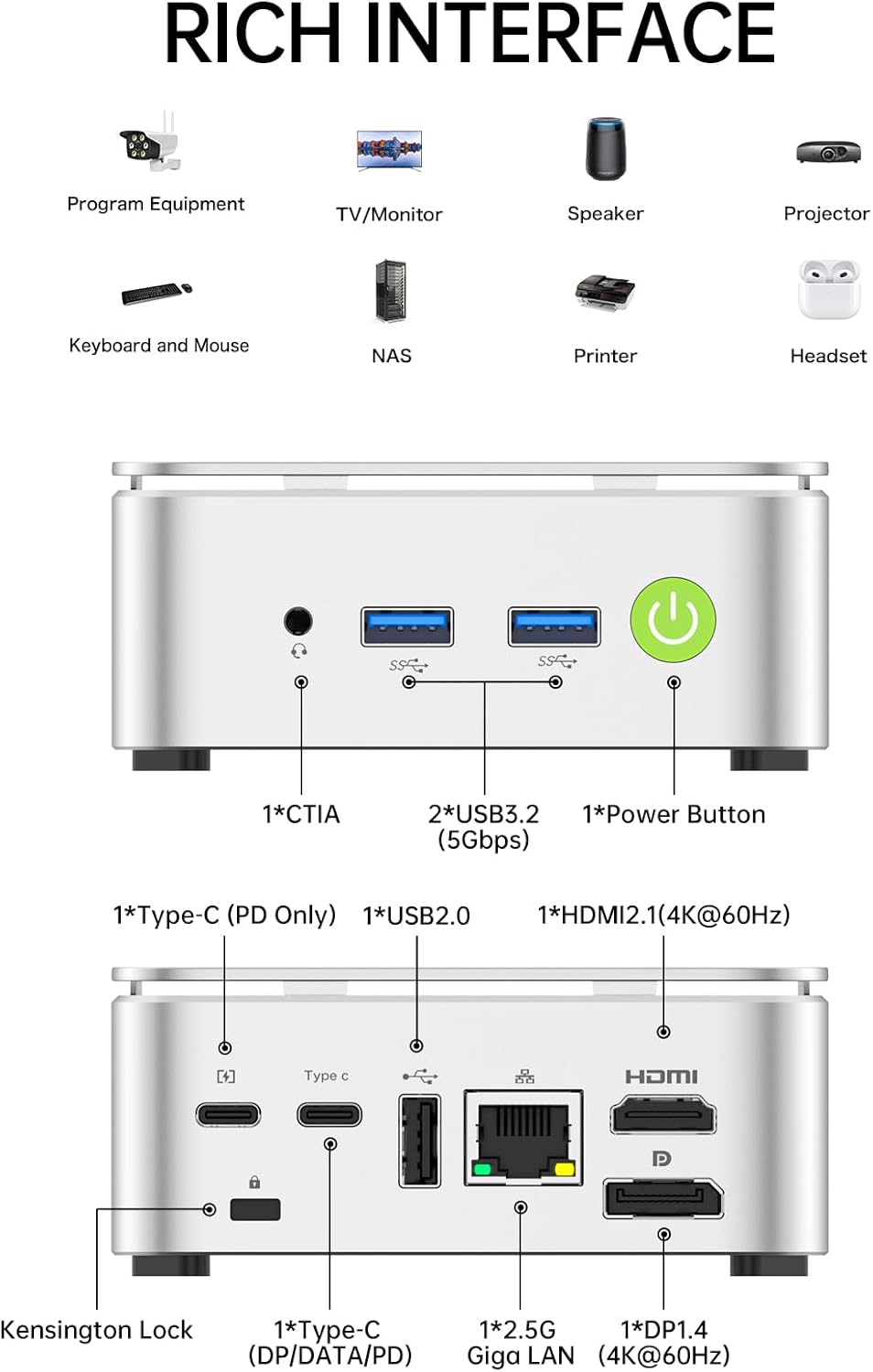
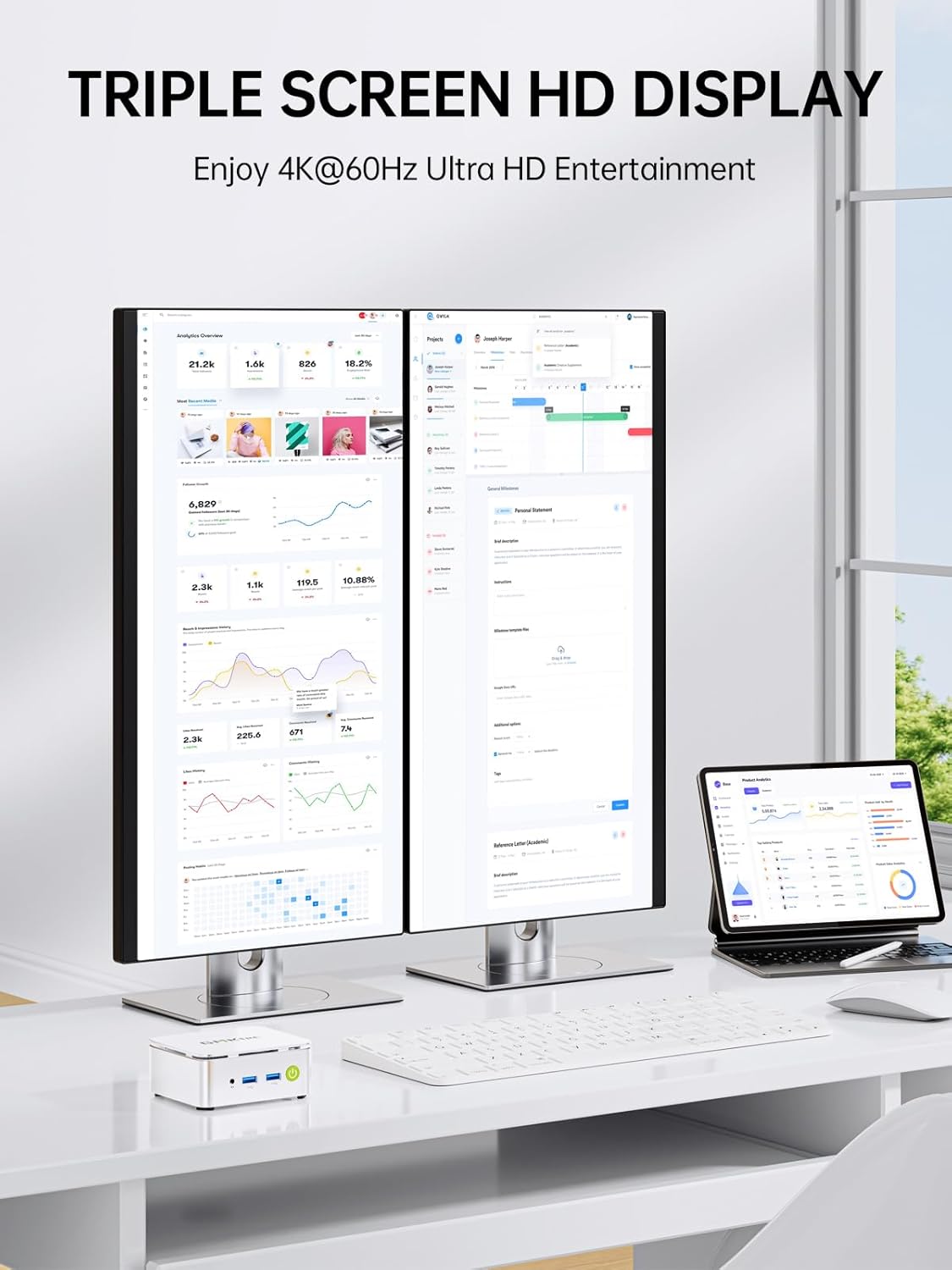
MINI DESKTOP COMPUTER WITH TRIPLE DISPLAY SCREEN – Nucbox G10 integrates AMD Radeon Vega 8 1200 MHz GPU to deliver powerful graphics processing power to easily handle video editing, and playback, or casual gaming. And it can connect to 3 display screens simultaneously via HDMI 2.1 TMDS/ DPv1.4/ TYPE-C.
ULTIMATE PORTABILITY WITH TYPE-C CHARGING: Power the mini PC effortlessly with a common 65-70W (19V-20V/3.42A) USB Type-C PD charger. This versatility allows you to ditch bulky power bricks and even run your system on-the-go using a high-output portable power bank, making it perfect for mobile offices, presentations, or entertainment anywhere.
2.5GBE ETHERNET FAST NETWORK SPEEDS – Enjoy up to 2500Mbps data transmission speed without worrying about lagging. Ideal for working, gaming, and surfing the internet. Great for Untangle, Pfsense or as a server office PC.
FAST WIRELESS INTERNET WIFI 5 + BT5.0 – Enjoy blazing WiFi 5 & Bluetooth 5.0 alongside a powerhouse selection of ports – dual USB 3.2, USB 2.0, stunning 4K@60Hz HDMI 2.1 TMDS, Full Function USB-C (PD/DP/Data), dedicated DisplayPort, 3.5mm audio, and PD Power Supply for seamless multitasking and premium connectivity.
GMKTEC WARRANTY – offers a 1-year limited warranty for each mini PC, starting from the date of the purchase. All defects due to design and workmanship are covered. With a professional after sales team always ready to attend to your needs, you can simply relax and enjoy your mini PC.
 Overview

nobleii –
The GMKtec Mini PC N97 is surprisingly great for the price!
I recently purchased this little computer, alongside some other accessories (monitors, keyboard and mouse, etc.), and let me tell you: as of writing this review, this little guy has blown me away! I was trying to stay within a budget of less than $400 for everything I needed, and this computer caught my attention, as it had decent specs at an affordable price. For further context, I mainly wanted an affordable desktop setup that could do all the web browsing, media consumption, recording videos, and light gaming that I desired. (NOTE: Keep in mind though that you’re not going to be able to run any competitive, demanding AAA title games on here!)As I got my package and held the box containing the computer, I was blown away with how small, light, and compact this thing was! For reference, my GPD Win (1st gen) weighed more than this PC, and my Win only has an Atom processor in it! As for setting up the device, I saw some reviews claiming there’s a bunch of bloatware pre-installed on this device, to which I can confirm that there is absolutely none whatsoever (at least on mine there wasn’t). Setup was absolutely easy and straightforward.As for its performance, this thing may be small, but it is mighty for the price. For gaming, I tested it out with three different versions of Minecraft: Java Edition: latest release, Beta 1.7.3, and Alpha v1.0.7. The latest release at low-mid settings and Beta 1.7.3 max settings run at similar framerates for me, around 60 fps 720p. I know, 720p doesn’t sound very impressive. However, for me, I don’t personally need anything too fancy, and 720p is perfectly fine for me on a 20 inch monitor. Alpha v1.0.7 ran on this almost flawlessly! No issues there whatsoever!For recording purposes, I utilized OBS Studio to test with this, and I screen recorded some gameplay of me playing Minecraft Alpha v1.0.7 with commentary, and with some occasional dips in frames every now and then while I was playing the game, the recording ran smoothly at 720p! (NOTE: I haven’t tested out anything with 1080p, but if I do in the future, I will update this review.) Playing the recording back, it blew me away with this PC’s capabilities in such a small chassis!For media consumption and web browsing purposes, I have had absolutely no issues in this regard. This little computer just eats anything I throw at it. Whether it be a YouTube video, an offline screen recording I’ve made, viewing documents, or even doing more demanding tasks on the browser, like playing browser games or running a 3D tour on Zillow, this little guy can handle any task I throw at it reliably and efficiently!Overall, I’d highly recommend the GMKtec Mini PC N97 to anyone looking for an affordable mini desktop PC! Safe to say, I’m very happy with my purchase and will look to this seller for any future mini computers they have in store!
Baikseok Seo –
Best Cost to performace ratio ive seen so far
Been using this for my Arch setup, and everything is easy to tweak and install.The quality of the edges are better than most I see on other nucboxes, and I use it with no problems with latency with my display playing Starcraft on max quality. I’ve also been using it as a NAS, and its been working. The windows 11 comes preinstalled, so it was very little at time consuming for any of the initial setups. The size was enough to punch it inside my room corners, and takes very little power from the previous models that uses n100.The compatibility is top notch, as it’s easy to install a new ssd or ram by popping up the title cover, and add away to your heart’s desires. I added an extra 1TB to dual boot, but it’s definitely managable with just 512 gb of storage. The fans are pretty much silent. never knew they were even running until I was halfway on my cyberpunk with max resolution. The front two usb 3.0 ports are fast for booting and reading, while the bios is fast and secure boot disabled, which saved me from having to troubleshoot why my grub wasn’t loading for 2 hours. Would recommend for a general purpose PC to run steam, use as a distro tester, or just have one to add to your NAS.
Tom D –
Huge Bang For Your Buck!
First, you have to understand that this is a fully functional & complete PC for $150. So my expectations were not high for this device, but because of its tiny form factor I decided to risk it. Heck, just buying a Win11 Pro license could cost you as much as this PC, which comes with one.I was blown away by how usable and fully functional this little PC is!Second: you’re not going to game on this PC. It is not a speed demon. It can’t play the latest hot gaming titles. But that’s not what this little gem is for. It’s for web browsing, playing videos, media consumption, spreadsheets, documents, and the boring work kind of stuff. It is PERFECT for a corporate training room or PC lab. I am using it as a work-from-home PC so I don’t have to constantly lug my laptop back and forth between the office and home. I’ve wiped it, reinstalled the OS from a trusted hardened IT-department-approved image, install the drivers direct from Intel and RealTek rather than the relatively unknown Chinese manufacturer. I installed all the work security software and monitoring, and this little guy just eats up my work load. I never notice any slow-downs. It just works. I even played some 4k episodes of the Mandalorian on it. No hiccups, and less than 10 dropped frames in an hour long episode. I haven’t tested it with multiple 4k monitors, I’m using it with a 55″ 4K TV as my monitor, and it works great and looks great.I’m even considering taking it with me when I travel. It would be fine in hotel rooms, just bring an HMDI cable, keyboard and mouse… but that’s kinda silly when I have a perfectly good laptop for such things.Because I’m an IT nerd, I can’t leave any hardware untouched. So I upgraded the SATA M.2 SSD to a Corsair MP600 NVMe SDD. You can see the CrystalDiskMark v8 scores in the attached pics. Basically the stock G5 SSD could do ~550 MB/s and the Corsair MP600 upgrade does more than triple that at ~1,734 MB/s.I also upgraded the WiFi card to an Intel AX210 card. I’m an Intel fan, and their network cards never disappoint. I didn’t upgrade it because I had a problem with the card that came with it. I just did it because I could and the replacement was only $20, giving it WiFi6E and Bluetooth 5.2.Anyway, even without my unnecessary upgrades this is a fantastic little PC. If you don’t need it for gaming, you won’t be disappointed. Just remember: it’s not a $3,000 workstation/gaming rig. It’s a $150 micro PC.The only negative thing I can say about it is if you work in a very quiet environment, you’ll notice the tiny fan spinning up when you make it work. At first you’ll wonder what that faint whine is… then you realize it’s just this little PC working hard. The top of the PC gets warm, but not hot. So it’s good to go. Just be aware of that little noise. I know some folks are very noise sensitive. It doesn’t bother me a bit, and I like a quiet-like-a-tomb work environment when I’m trying to concentrate.All-in-all: go ahead and give this little gem a try. You won’t be disappointed.
C. Maunder –
The NucBox G5 is a remarkable feat of engineering, fitting a very capable processor and lots of ports into an incredibly tiny package that will fit anywhere, or that you could easily take with you in a bag (more on that below).As an existing owner of the NucBox G3, the G5’s baby(?) brother (G3 = lesser power, bigger size), I was already impressed with what GMKTec has been able to do with a mini-PC, but the G5 blows that out of the water.Size Comparison with NucBox G3:The NucBox G5 is remarkably compact, measuring just 72 x 72 x 44.5mm and weighing less than a small and light coffee mug (168 grams). To put that in perspective, it’s about 2/3 the lenght of a deck of cards, and about twice as thick. When you compare it to its predecessor, the NucBox G3 (see photo), it’s clearly much smaller, and about the same weight. The G5 manages to maintain its power while taking up even less space on your desk… or frankly anywhere you want to put it. I had my G3 and now have my G5 mounted on the back of a monitor (see photos) – just be careful to ensure adequate ventilation so the unit doesn’t overheat.Performance and Use Cases:Inside the NucBox G5, you’ll find an Intel N97 processor, a step up vs. the N100 in the G3. The 3.6 GHz CPU has 4 cores and 4 threads . Now there’s no way it can compete with high-end desktop or laptop processors, but it’s more than capable for everyday computing tasks. I’ve also used it with zero perceptible latency with an external FocusRite interface and Neural DSP Archetype plugins (CPU-heavy guitar amp and effects modelling software) that has choked some of my older laptops and it’s capable of light work without a huge number of layers in Affinity Designer (pro-level vector graphics design software). If you haven’t used those types of demanding software, that’s genuinely a huge achievement for something that costs less than $300 CAD.For day-to-day activities like office work, web browsing, and multimedia playback, the NucBox G5 works very well too. It can handle running at least a dozen browser tabs at once in MS Edge or Chrome. Its small size, combined with built-in WiFi and Bluetooth, makes it easy to integrate into your setup. Comes with Windows 11 Pro baked-in, so setup is straightforward even for non-IT professionals. The OS loads quickly, and basic tasks are smooth.Let’s set realistic expectations though. If you’re planning heavy image or video processing, the NucBox G5 might struggle. Stick to light to medium-weight office tasks, and you’ll be pleased with its performance.Connectivity, Ports and Power ConsumptionThe NucBox G5 offers many connectivity options, but it is a bit disappointing to see that all USB 3.2 ports are Type A (no USB C connectivity without adapters). It has limited upgrade options, so consider your needs carefully before purchasing – you can basically upgrade the hard drive size and that’s it. Given the size of the unit, the RAM (memory) is hard-soldered to the motherboard, but at 12GB for most purchase options, it’s got plenty for most applications.If you’re looking for a lightweight machine for on-site work, off-grid systems, or even van life, the NucBox G5’s power draw (15-25W) through its single USB-C port makes it an excellent choice.Packaging:The G5 comes nicely boxed and the box is highly protective of the G5 itself. (The box did take some minor dings in transit as seen in the photos, but the contents were pristine.) I was also pleasantly surprised that GMKtec fixed the absolutely airtight NucBox G3 box that was almost impossible to open. This one is snug to open, but doesn’t require a prybar to get into.In summary, the GMKtec NucBox G5 is a worthy upgrade from the G3, offering an impressive blend of compact design, powerful performance, and affordability. If you need a mini PC that fits almost anywhere without compromising too much on capability, this little box is worth considering. Just be mindful of its intended use, and you’ll appreciate what it brings to the table!
Cüneyt KALPAKOGLU –
Paketlemesinden açıklamalarına , kablolarından ürüne hepsi son derece kaliteli ve özenli hazırlanmış. Kesinlikle önerilir.
ALBERTO GAMIZ –
Para muy pocas cosas que no sean lo basico de Office, es un Celeron, asi que no tiene potencia para muchas cosas mas, el problema mas grave es que no es nada estable, se congela, se traba, etc. No la recomiendo.
murat ö. –
Daha önce elimde i7 8650 fansız vardı. Win 10 ile çok memnundum. 7 yıl sonra devre dışı kaldı. Bunu da eski fansız PC gibi oyun dışı, ofis uygulamaları ve müzik dinlemede, video seyretmede kullanıyorum. Ryzen 5 3500U işlemci, İntel e göre biraz yavaş kalıyor. Belki işletim sistemi win 11 den de olabilir. Gerçi bu da 5 yıllık işlemci. Eski model sayılır. Ekran kartı renkeler ve ses daha iyi geldi bana. Fiyat olarak Almanya ya göre çoğu vergilerden kaynaklı olsa gerek, çok yüksek kalıyor. Win 11 Update ler çok uzun sürdü. Fan sesi oldukça az. Balanced ayarında çalışıyor. Win11 dijital lisans olarak etkinleşti.
RB –
Two days in it seems like a decent unit. First update took a long time,but once through that everything is good. One thing I will mention, keeping in mind that I’m not very good with computers,is that I couldn’t get the thing to do its initial set up with a wireless keyboard. I had to find and plug in my old wired unit to get the machine up and running to the point I could pair the wireless peripherals to the PC (it was a painless expirience pairing things as well).Have it hooked up to a 50” tv in the shop to display blueprints on and it works awesome. I know it’s capable of way more than that,but the incredibly small size and the price make it perfect for what I need and there’s plenty of room for added tasks as they come up.So far I’ve got no regrets.