
-17%
Sale!



From the brand


24 hours, 365 days support. If there are any questions. Please feel free to let us know, our aim is to please everyone.


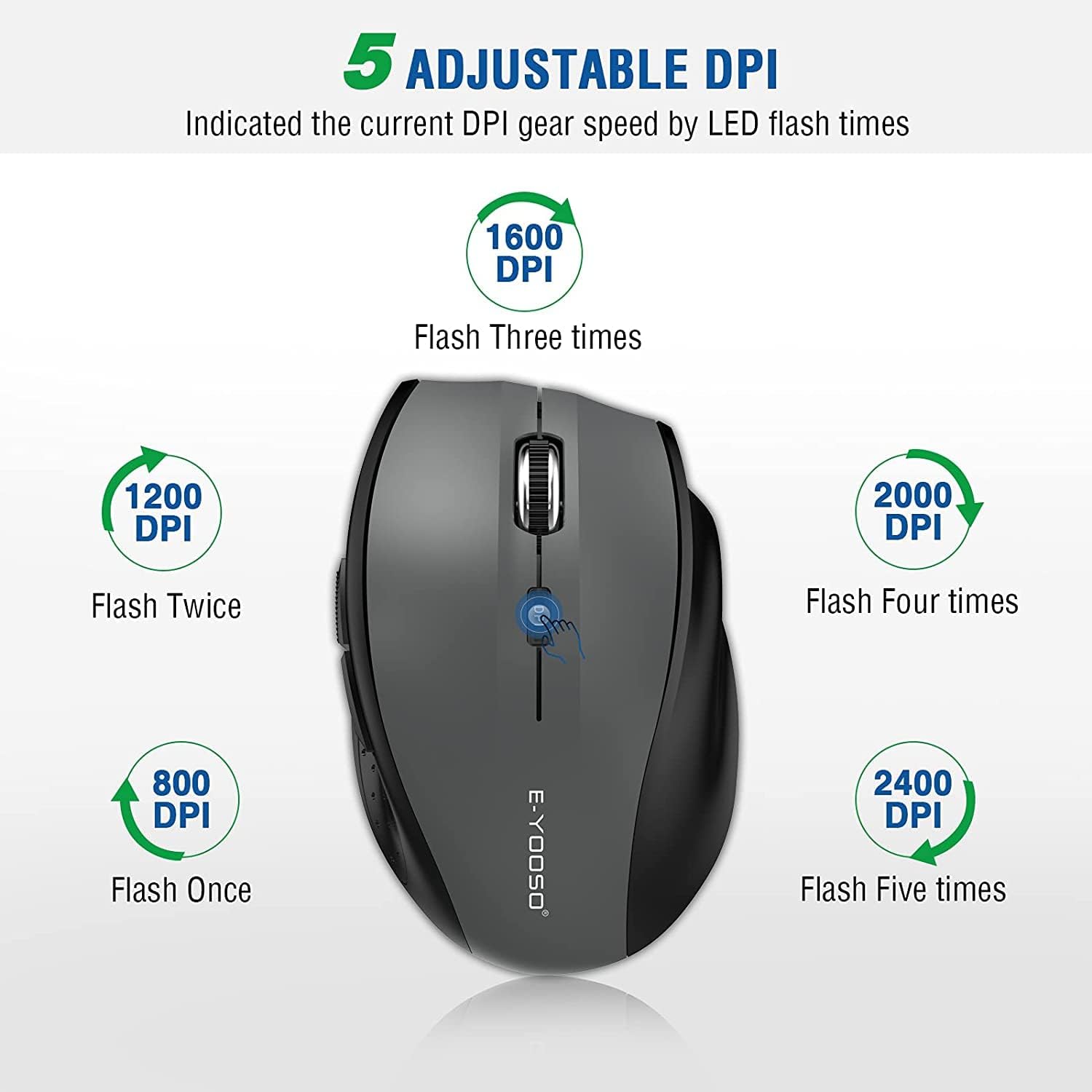
✅ 5-LEVEL ADJUSTABLE DPI: 1️⃣ 5-level DPI settings (800/1200/1600/2000/4800) to meet your multiple needs, either for daily work or gaming. The factory default is 1200DPI, with DPI gear indication,which will indicated the current DPI gear speed by LED flash times (1/2/3/4/5 times). 2️⃣ 2 kind polling rate adjustment :125Hz/250Hz,the factory default is 125Hz. Press the right button + the middle buttom for 3 seconds to switch (during the switching process, LED will flash 5 times).
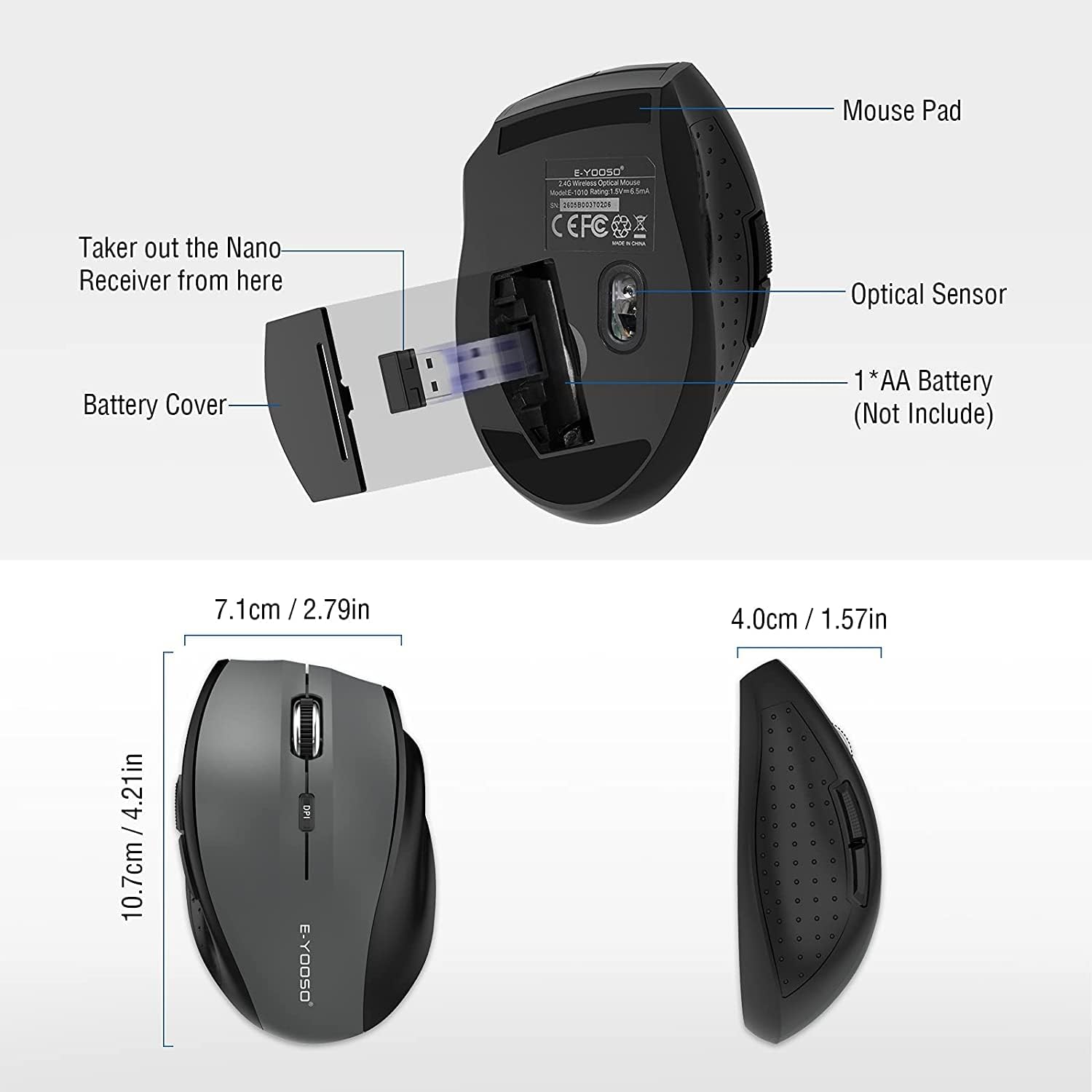
✅ USB PLUG AND PLAY & STABLE CURSOR: USB Nano Receiver can be stored within the back of the mouse, can suport usb plug and play. Besides, 2.4GHz Wireless provides a powerful, reliable connection, transmission distance up to 33ft (10m) .Which eliminated delays, interference, accurate orbit & fast data transmission . Great wireless mouse for home and office.
✅ ANTI-SLIP & ANTI-SWEAT ERGONOMIC DESIGN: E-YOOSO Ergonomic Mouse is made of anti-slip and anti-sweat custom material. E-1010 Ergonomic PC mouse with backward and forward buttons, make your web surfing more efficient, and performance for more than 5,000,000 keystrokes!
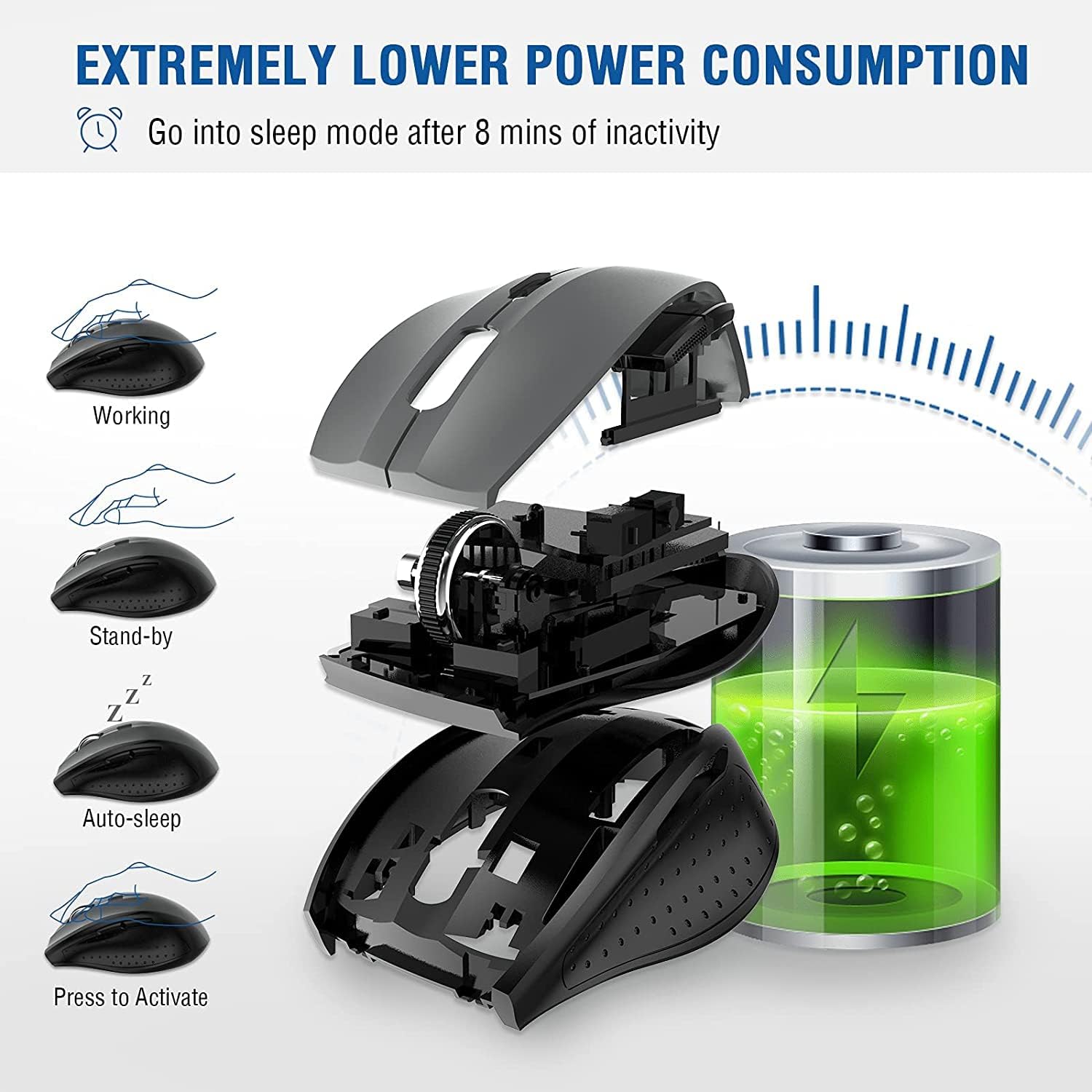
✅ 18 MONTHS BATTERY LIFE & POWER SAVING MODE: E-YOOSO Wireless mouse with 18 months battery life. The wireless mouse with smart auto sleep mode, when lower power consumption, the mouse will enter the automatic sleep state to save power if you don‘t use it for 8 minutes,then click mouse runs on again.
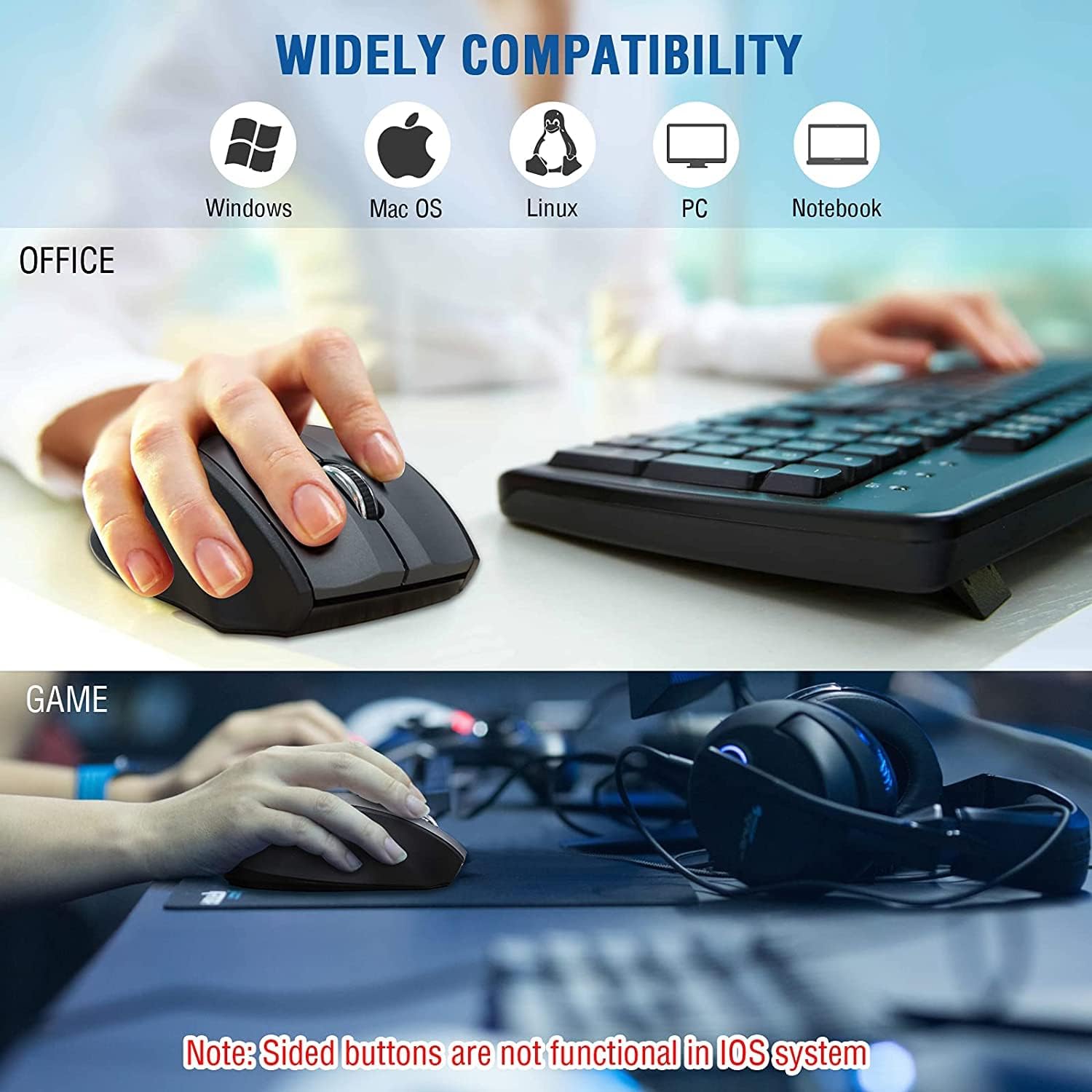
✅ UNIVERSAL COMPATIBILITY & WIDE USE: The wireless optical MacBook mouse is compatible with Windows 11, 10, 8.1, 8, 7, XP, Vista, Linux, Chromebook, Mac OS(Side buttons are not available on Mac), Surface Pro, Surface, and Any Device with USB Ports. As well as compatible for PC, Laptop, MacBook and more. Great optical computer mice for various activities!
 Overview

Yesenia Brunett –
Mouse perfecto
En cuanto lo vi , me di cuenta que este mouse tenía calidad , pero cuando vi su precio me decidí a compararlo, ¿y que tal? ¡ acerté! .Una magnífica opción para mi nueva laptop, cómodo, pequeño, puedo guardarlo en cualquier lugar y sobre todo muy ligero lo que me permite una mejor manipulación a la hora de usarlo .
E. Boehmer –
Works great but a little large
A little on the larger side. I have long fingers so it’s fine but anyone with small hands may have trouble with it. It also has a lot of settings that I have no idea what they’re for.
Michael Mane –
Wireless mouse
Only thing I took off for was it just doesn’t respond as much as a wired mouse. As in takes more movement to go same distance.
Geiner Guillermo Añasco Guamanga –
Super recomendado
Cumple con todo lo que indican en la pagina, es agil y sus funciones son correctas, funciona muy bien, es suave y muy agil, adicional la bateria funciona muy bien,
Lee Olivier –
Put the battery in AFTER plugging in the dongle.
I’ve only been using the mouse a short while, but it seems fine.I had a hard time installing the mouse until I read the directions: 1. Turn on the computer 2. Plug in the dongle 3. Only then, insert the battery into the mouse.
Kevin Ulland –
GREAT MOUSE!!!!!!!
The unit works extremely well. I am very satisfied as I’ve had it for nearly a year.!!
sts_66 –
Moving mouse won’t wake up from sleep mode
Got this for my Win10 laptop, after long periods of not using it (hours or days) the mouse will not wake up unless I pull the USB dongle out and put it back in, AND pull the battery out and put that back in. Got fed up with it today so I went into Device Manager and selected every USB device, changed the power settings to not allow my laptop to turn off any USB stuff and that appears to have fixed the problem, sort of – right or left click won’t wake up the laptop or mouse, but clicking on the scroll button does. I also updated the Logitech mouse driver this morning, that might have something to do with it. The DPI button doesn’t appear to do anything – I don’t see anything on the display when I click on that button. Oh great – I let the laptop and mouse go to sleep, just clicked on the scroll wheel and nothing happened – then clicked on the DPI button and that woke up the mouse and laptop – just bizarre.Long story short – out of the box using Windows plug and play drivers this mouse will not work properly, you have to modify some settings, but I can’t tell you which change I made actually fixed the wakeup problem, but I strongly suspect it was the USB power settings – that’s not something your average computer user is going to know about. I’m very computer literate and I first tried to change the power settings for the mouse itself, but there is no power management option for the mouse in Device Manager, have to change the USB power options, which took me some time to figure out. And I would definitely suggest opening up the Logitech Setpoint settings (click on Start/Programs/Logitech/mouse and keyboard settings), then click on tools, then check for updates to get a better driver than the generic Windows mouse driver.Still don’t know how to find what your DPI setting is – DPI is mouse sensitivity expressed as the number of dots per linear inch, meaning how many pixels the mouse will jump over at a time – probably only matters for point and shoot gaming, like when you’re trying to take a long range sniper shot and need precision aiming.
EM –
Correcto funcionamiento
Tamaño estándar, funcionó sin problema con solo conectarlo. Se pasa a modo hibernación en corto tiempo por lo cual la batería dura muchísimo, para reactivarlo solo hay que presionar la rueda de scroll
Scarlett –
Die mouse ist ausgesprochen launisch. An manchen Tagen funktioniert sie gut, an anderen reagiert die sehr zögerlich.Ich würde die nicht nochmal kaufen.Update: ich habe den Verkäufer kontaktiert, der mir eine neue mouse zur Verfügung gestellt hat. Scheinbar war meine erste Defekt.Die neue mouse funktioniert einwandfrei
Richard Carter –
Does what a mouse is supposed to do, no complaints
Nga Nguyen –
high-quality products
فلش –
ت
Bassem A. –
Good product